Table of Contents
A phishing email works best when the recipient is overwhelmed, scanning fast, and unsure what normal looks like. For most law firms, that’s just a Tuesday.
Attorneys manage hundreds of emails a week from clients, matters, opposing counsel, vendors. An email arrives: opposing counsel, urgent, requesting a change to wire instructions before tomorrow’s closing. It looks right. The name is familiar. There’s no time to dig.
When none of it is organized by matter or consistently filed, that email doesn’t stand out. A spoofed sender looks like every other contact in a crowded inbox.
That’s the environment phishing is built to exploit. In this article, we break down the specific ways poor email management increases phishing risk at law firms and what better practices look like.
Law Firms Are a Prime Target — and Phishing Is the Front Door
Law firms are uniquely exposed. They hold privileged client communications that can’t be disclosed, manage active transactions where timing and instructions matter, and conduct most of that work over email.
That operational risk pattern makes phishing exceptionally effective.
Cybercriminals don’t need to breach a bank when they can breach the firm handling the bank’s acquisition.
Phishing is the most common entry point.
According to the ABA’s annual cybersecurity surveys, a significant and growing share of law firms report having experienced a security breach — and phishing and email-based attacks are consistently among the leading causes of law firm security breaches.
The Verizon Data Breach Investigations Report similarly identifies phishing as one of the top attack vectors across professional services.
The risk isn’t abstract.
Wire transfers, settlement funds, escrow instructions — all communicated largely over email, often under deadline pressure. When the workflow is that email-dependent, a single convincing message is all it takes.
The Connection Between Email Chaos and Security Exposure
Phishing succeeds because recipients are busy, overloaded, and scanning instead of reading.
A well-crafted phishing email only needs to be good enough to pass a two-second glance. In an inbox with 400 unread messages, that’s not a high bar.
When email isn’t organized by matter or client, attorneys have no baseline for what normal looks like.
Consider a request that arrives mid-afternoon from a familiar client name, asking to update wire instructions before a closing.
In an organized matter file, an attorney can check prior correspondence in seconds — confirm the sender’s address, review how the client typically communicates, verify whether this kind of request has ever come through before.
In an unmanaged inbox, none of that is quick.
They can’t easily answer: has this person emailed us before? Does this request match anything on this matter? Is this how this client typically communicates?
Without that context, a spoofed sender looks like any other new message in a crowded queue.
That’s the mechanism.
The conditions phishing requires and the conditions an unmanaged inbox creates are effectively the same list.
| What Phishing Needs | What an Unmanaged Inbox Provides |
|---|---|
| Recipient scanning, not reading | Hundreds of unread, unfiled emails |
| No baseline for normal communication | No matter-based organization or filing |
| Urgency that discourages verification | Constant volume that normalizes urgency |
| Sender identity that goes unquestioned | No way to quickly cross-reference prior contact |
Specific Ways Poor Email Management Raises Phishing Risk
These aren’t edge cases or worst-case scenarios. They’re the everyday conditions that make phishing easier to execute and harder to catch — and they show up consistently as common document management mistakes law firms make.
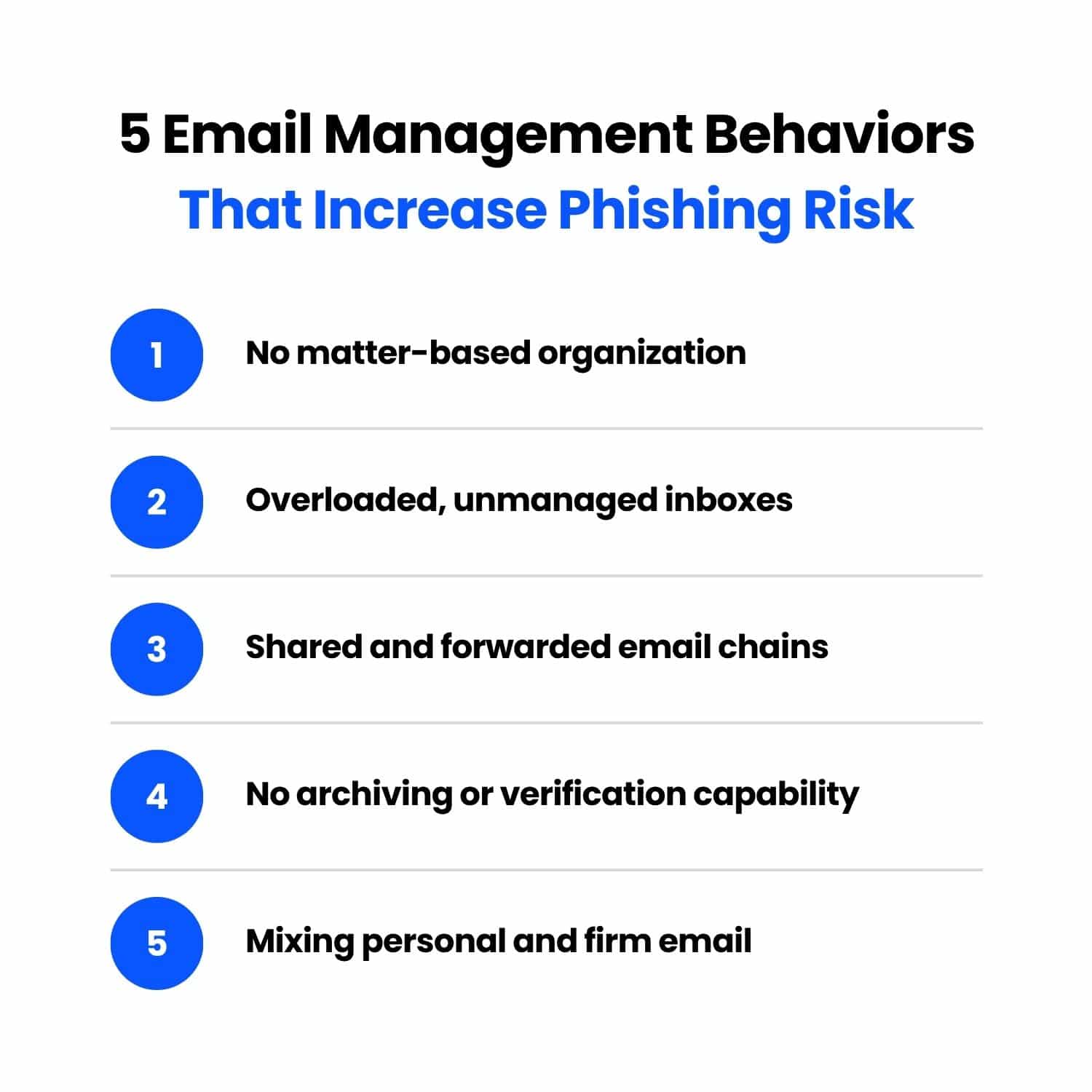
No Matter-Based Organization Makes Sender Spoofing Harder to Catch
When email is filed by matter, attorneys develop a natural familiarity with how clients and counterparties communicate — their tone, their typical requests, their contact patterns.
That familiarity is a detection layer. Without matter-based organization, it doesn’t exist.
A spoofed email from “opposing counsel” or a “client” requesting urgent action lands in a general inbox alongside everything else.
Nothing flags it as unusual, and it gets the same two-second scan as every other message.
Overloaded Inboxes Create Urgency Fatigue
Phishing emails are engineered around urgency.
Urgency overrides scrutiny.
In an unmanaged inbox where every day already feels urgent, a fraudulent request doesn’t register as out of place. Attorneys are operating in triage mode by default — phishing just takes advantage of it.
Shared and Forwarded Email Chains Obscure the Actual Sender
By the time an email has been forwarded two or three times, the visible sender field often reflects the last person who touched it, not the origin. An attorney sees a familiar colleague’s name, assumes the thread is legitimate, and acts on instructions that were injected several forwards back.
Shared mailboxes compound the problem.
When multiple people access the same inbox without clear ownership or filing protocols, nobody has full context on a thread. Nobody knows who already responded, who verified the sender, or whether anyone did either.
Spoofed senders thrive in that ambiguity.
No Archiving Policy Means Staff Can’t Verify Past Correspondence
When a client — or someone posing as one — sends a wire transfer request, the fastest verification is checking prior correspondence.
You can ask yourself: does this match how they’ve communicated before? Have we confirmed these instructions in writing?
Firms with matter-based archiving can answer those questions in seconds. Firms without it often can’t answer them at all.
That gap is where wire fraud happens.
Mixing Personal and Firm Email Compounds the Risk
At smaller firms, attorneys routinely handle client communication through personal Gmail or Outlook accounts. The convenience is understandable.
When that happens, the firm loses visibility into those communications, retention and archiving fall outside any policy, and there’s no administrator oversight if something goes wrong.
A compromised personal account exposes client correspondence the firm didn’t know existed. By the time anyone finds out, the damage is already done.
Business Email Compromise: The Costliest Phishing Variant for Law Firms
Business Email Compromise (BEC) is phishing with a specific financial objective.
An attacker impersonates a client, opposing counsel, or vendor — often using a spoofed or compromised email account — and issues instructions designed to redirect a wire transfer or payment.
BEC Wire Transfer Request
From: michael.chen@harrisonfieldingllp.com
To: j.murphy@murphyandassociates.com
Subject: RE: Greenfield Closing — Updated Wire Instructions
Janet,
Hope you’re well. Quick update before tomorrow’s closing — our accounting department flagged an issue with the wire instructions we sent last week. Please use the updated details below for the Greenfield disbursement:
Bank: First National Bank Account: 847392015 Routing: 021000089
Let me know once the transfer is confirmed. We’re on a tight timeline with the seller.
Thanks, Michael Chen Harrison Fielding LLP
The email looks legitimate. The sender appears familiar. The request fits the context of an active matter.
By the time anyone realizes something is wrong, the funds are gone.
Law firms are a preferred BEC target for an obvious reason: they move money. Settlement funds, escrow disbursements, real estate closings, client trust accounts — large transactions conducted primarily over email, often under time pressure.
That combination makes the fraudulent wire request an exceptionally effective attack.
The FBI’s IC3 reports consistently rank BEC among the highest-loss cybercrime categories, with reported losses of about $3.05 billion in 2023, $2.77 billion in 2024, and $2.95 billion in 2025.
For individual firms, a single successful attack can mean a six-figure loss with little realistic path to recovery.
Firms with real estate practices, active litigation, or trust accounting are especially exposed — these are high-volume, deadline-driven transaction types where an urgent wire request doesn’t raise immediate flags.
Better Email Management Is Also a Security Strategy
Most law firms approach email security as a technology problem — spam filters, MFA, endpoint protection. Those controls matter.
But they don’t address what happens inside the inbox once an email gets through.
Structured email management closes that gap.
When attorneys file email by client and matter, they build the context needed to spot anomalies. An unexpected wire request from a familiar client stands out when you can see the full history of how that client actually communicates.
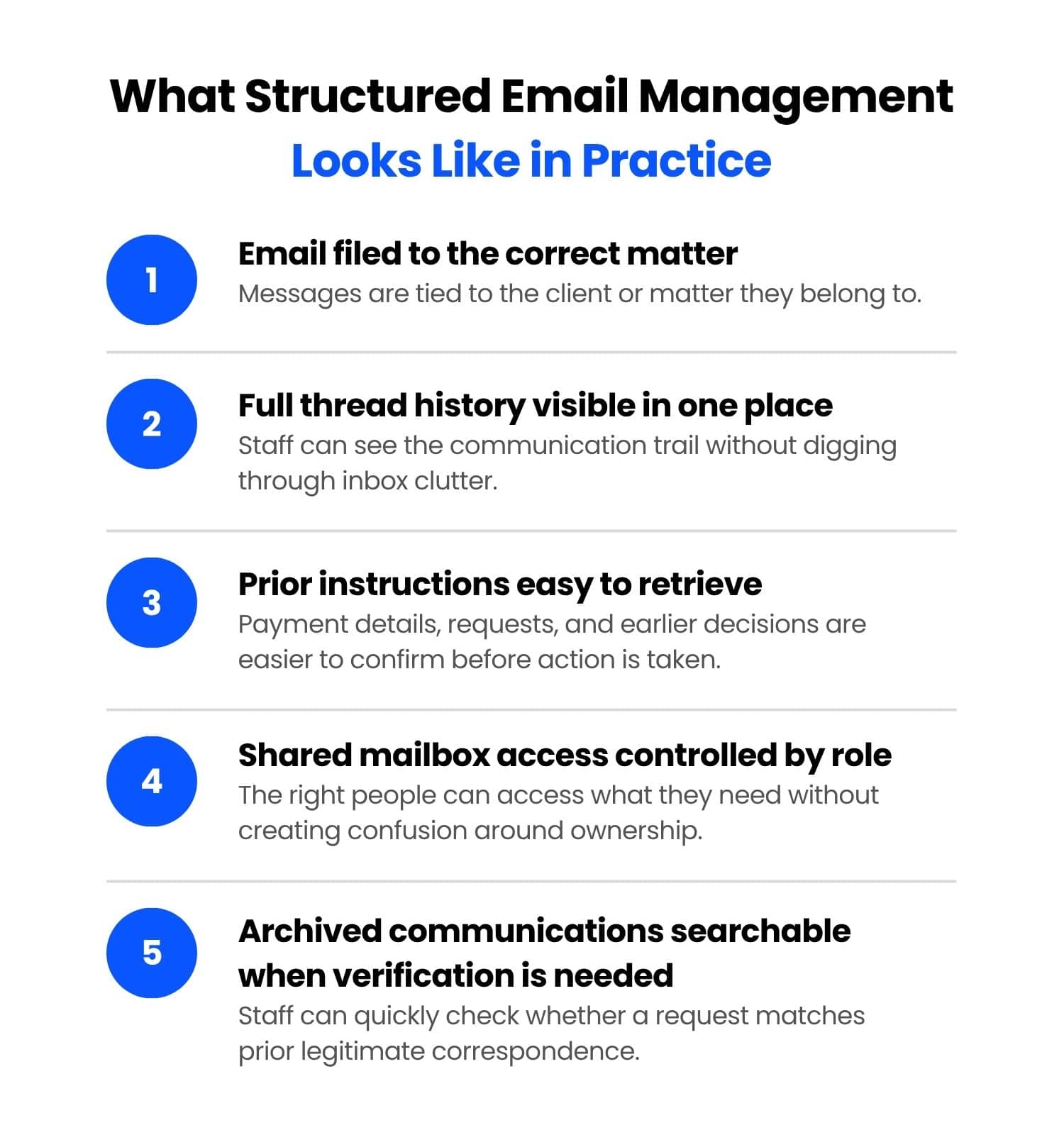
A few practices make a measurable difference:
None of this replaces technical security controls. Structured email management makes those controls more effective by reducing the chaos that phishing depends on.
How an Integrated DMS Reduces Email Risk at the Structural Level
The email management practices covered in this article — matter-based filing, consistent archiving, clear inbox protocols — are meaningful on their own. An integrated document management system makes them easier to sustain across the whole firm.
When email is managed inside a document management system (DMS) like LexWorkplace, attorneys file communications directly to the relevant matter from Outlook. Every email is searchable, archived, and connected to the client file it belongs to. Beyond an organizational improvement, it removes the inbox chaos that phishing depends on.
Disorganized email gives phishing attacks a place to land. Structured email management — supported by the right tools — takes that away.
If you’re not sure where your firm stands, a free document and email audit is a practical starting point.
WHAT’S NEXT