Table of Contents
Let’s discuss Law Firm Accounting Software.
As the backbone of any successful legal practice, accounting and financial management are crucial, but often overlooked, aspects that underpin the functionality of law firms—small and large.
With an industry that bills by the hour and juggles intricate client trust accounts, streamlined financial operations are vital.
Whether you’re a seasoned legal professional or someone just breaking into the sector, understanding the pivotal role of these digital tools will only elevate your firm’s performance and client trust.
Introduction to Law Firm Accounting Software
Accounting is an essential function of any business, and law firms are no exception. However, law firms have unique needs when it comes to accounting.
Most law firms need:
Today there are many options available for law firm accounting.
There are so many that it can be daunting and outright confusing (especially given the mix and overlap of some law firm accounting software and law practice management software).
Types of Law Firm Accounting Software
A common point of confusion are the different types of law firm accounting software.
The term “law firm accounting” tends to be thrown around pretty liberally and is often (inaccurately, in our view) used to describe billing and trust features.
However, they lack the core/traditional accounting software fundamentals (like a Chart of Accounts, P&L, Balance Sheet).
In addition, there is general-purpose accounting software (that is: accounting software meant to be used by any type of business but does not necessarily include the law-firm-specific functions that you may need).
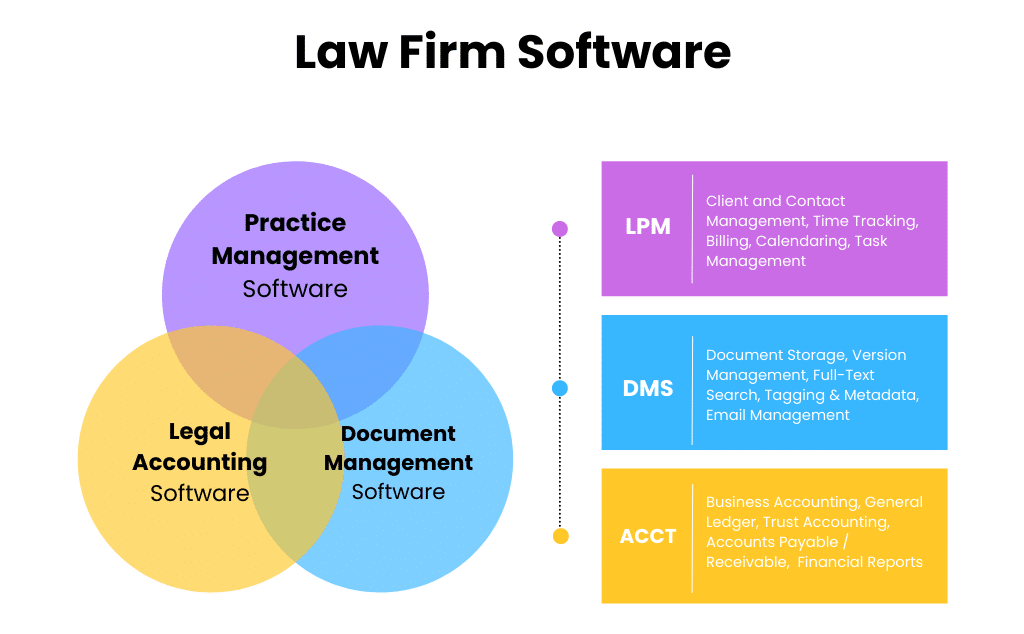
To provide clarity, in our list of the best law firm accounting software, we’ll define each software product as one of three classes:
As a first step towards finding the right law firm accounting software for your firm, consider whether you want accounting functions built into your law practice management software or if you prefer to keep accounting and case management functions mostly separate.
While you’re building the technology stack for your law firm, don’t forget to ensure you have the best document management system.
If you have a cloud-based document management system, like LexWorkplace, you’ll likely find that it’s easier to coordinate and integrate your legal software.
Accounting Software vs. Practice Management Software (The Differences and the Overlap)
Law Practice Management, Billing, and Accounting are three related but discreet functions. Each can be managed with different software (or in an all-in-one software suite).
This is where the fuzzy terminology makes understanding what any given software package does confusing.

Law Practice Management Software
Generally speaking, Practice Management software (AKA Case Management Software) handles a law firm’s:
Law Firm Accounting Software
Full accounting software, typically provides:
Both of these lists are abbreviated, but you’ll see that these are fundamentally different, but related, functions.
Here’s the key:
Some Practice Management applications include complete accounting (including everything you see above), and some practice management applications provide time tracking, billing, and expense tracking…
But leave the actual accounting to separate software (which it may integrate with).
Law Practice Management applications like Clio, PracticePanther, and Time Matters do provide time tracking, billing and even reporting on billings…
But they do not provide the “rest of accounting” and instead integrate with applications like QuickBooks to complete the picture.
This is not to say one method is better than the other; it just makes defining and understanding the classes of law firm accounting software important.
Server-Based vs Cloud-Based Software
When considering law firm accounting software, the choice between server-based and cloud-based solutions is pivotal.
Both have their merits, but evolving technological landscapes and changing work dynamics are shaping preferences.
Server-Based Solutions
Server-based software is installed and runs on in-house servers, and users access it through the firm’s internal network.
Let’s look at some of the pros and cons of server-based software.
PROS
CONS
As you can see, server maintenance goes beyond general annoyance.
To further drive my point home, please refer to the graph below to understand how your risk increases with each year of server ownership.
Cloud-Based Solutions
Cloud-based software is hosted on external servers and accessed via the internet, offering a more modern approach to data management.
Let’s look at the pros and cons of this type of software.
PROS
CONS
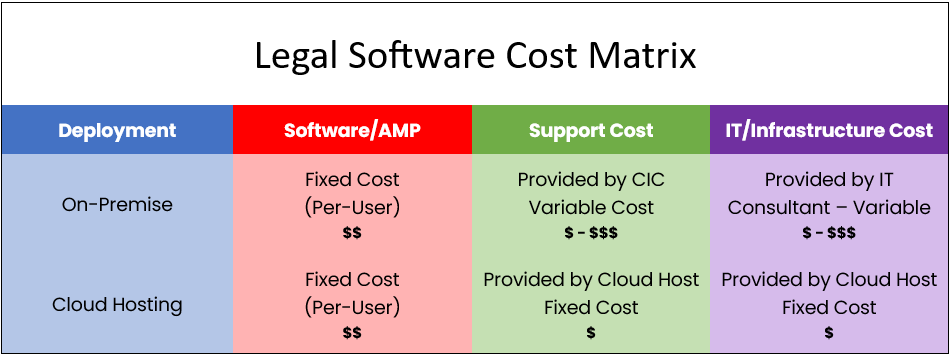
As you see, while server-based solutions sometimes offer more control and robustness, the scalability, flexibility, and cost-efficiency of cloud-based solutions are increasingly making them the preferred choice for law firms.
LexWorkplace, as a cloud-based document management system, exemplifies the advancements in cloud technology, offering secure, accessible, and integrated solutions tailored for the legal industry.
By embracing cloud-based solutions like LexWorkplace, law firms can navigate the digital transformation journey more effectively, ensuring sustained growth and enhanced client service.
Law Firm Accounting Software Features
Next, we recommend that your firm makes an inventory of the specific capabilities and features that you require in your law firm accounting software. For this, you should confer with both your legal team and your accountant.
Features that are often, but not always, available in law firm accounting software include:
Consider whether your firm would be best suited for combined practice management / accounting software (or separate software for each), and consider the specific features your law firm needs.
Then, you’re ready to evaluate the top accounting platforms for law firms.
Need help deciding? Book some time for a consultation, and our support staff is happy to give advise you in the best direction to go.
The Top Accounting Software For Law Firms – Our List
In our extensive experience working with hundreds of law firms, here is our list of the best law firm accounting software (in no particular order).
Server-Based Software
Cloud-Based Software
Server-Based Software

PCLaw
Company: PCLaw|Time Matters
Software Class: Accounting + Practice Management
OVERVIEW
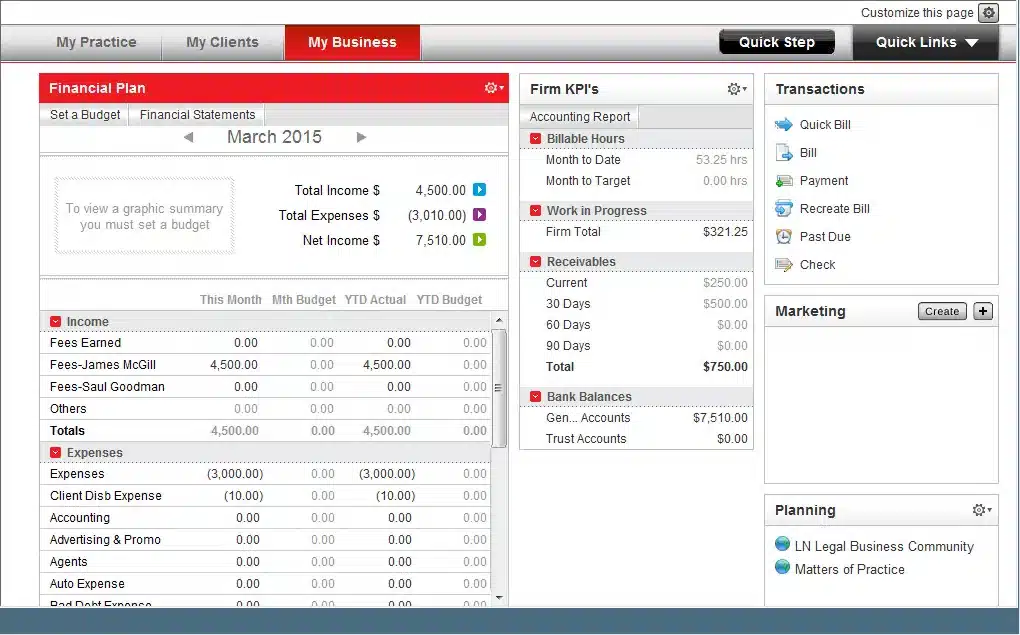
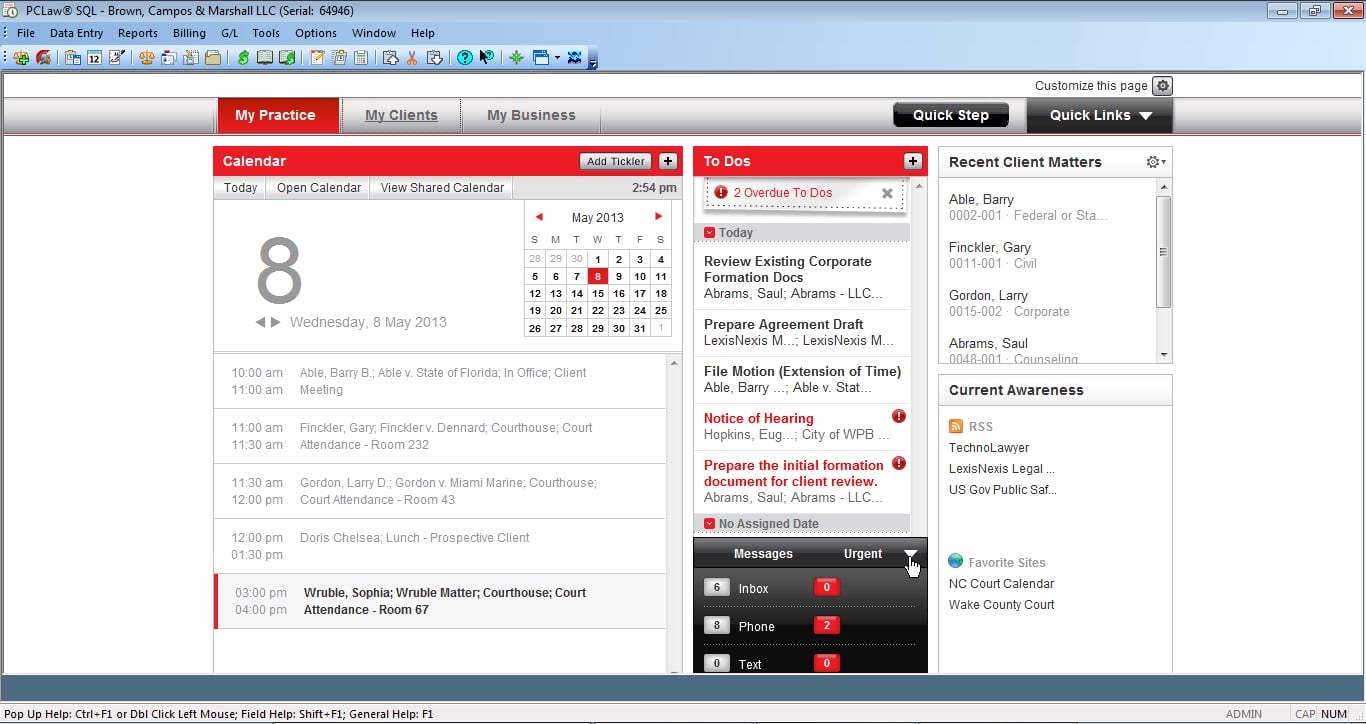
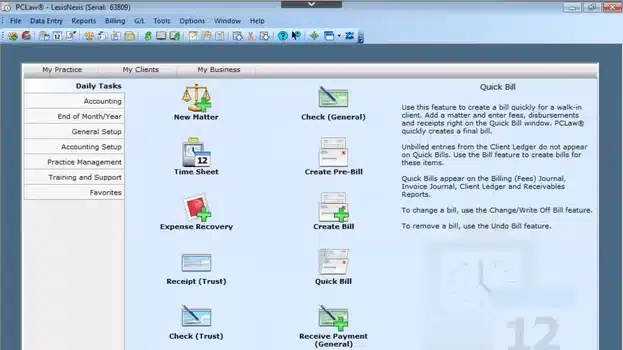
PCLaw is a popular, long-standing practice management, billing and accounting solution for small and midsize law firms. It includes lightweight practice management (clients, cases and calendars), coupled with robust time tracking, billing and accounting (including robust financial reporting). While PCLaw is thought of as law practice management software, accounting is deeply embedded into the product.
You can think of PCLaw as a strong accounting foundation, with lightweight law practice management features built on top. PCLaw is easy to get up-and-running with. And if your law firm needs more comprehensive case and document management, PCLaw integrates with Time Matters.
PCLaw is desktop/server-based, so it can be run on-premise or within a Private Cloud.
STAND-OUT FEATURES
PRICING
Tabs3
Company: Software Technology, Inc.
Software Class: Accounting + Practice Management
OVERVIEW
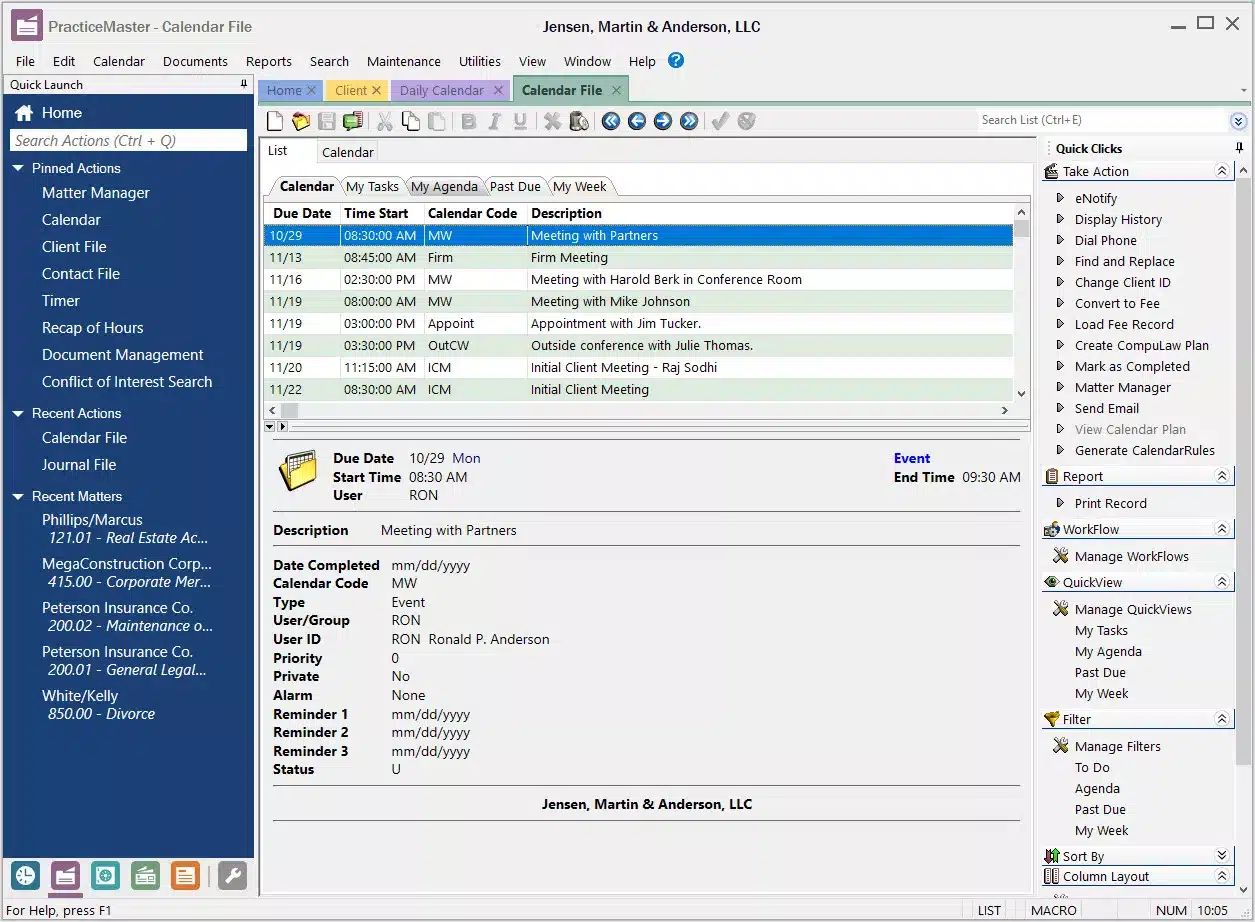
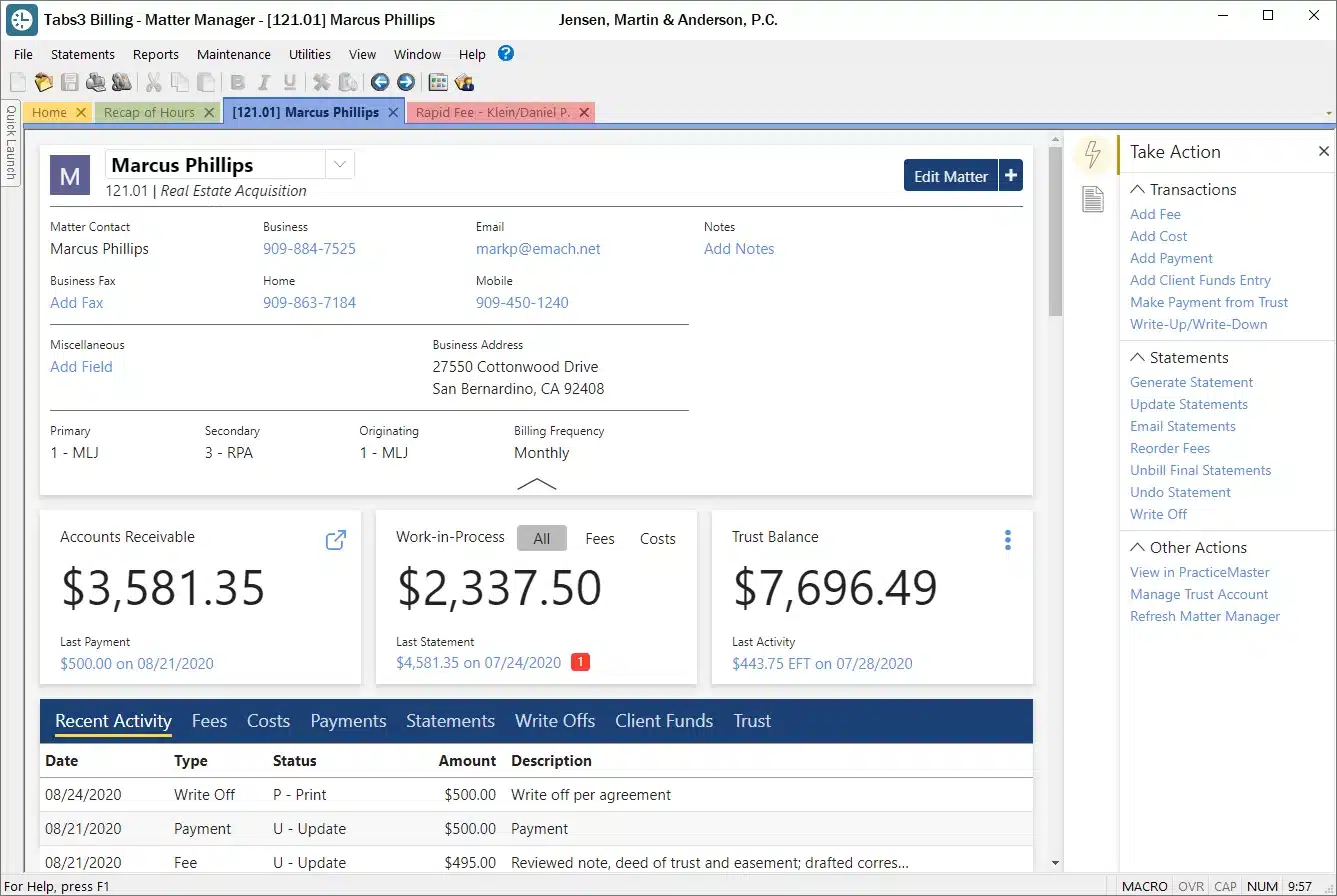
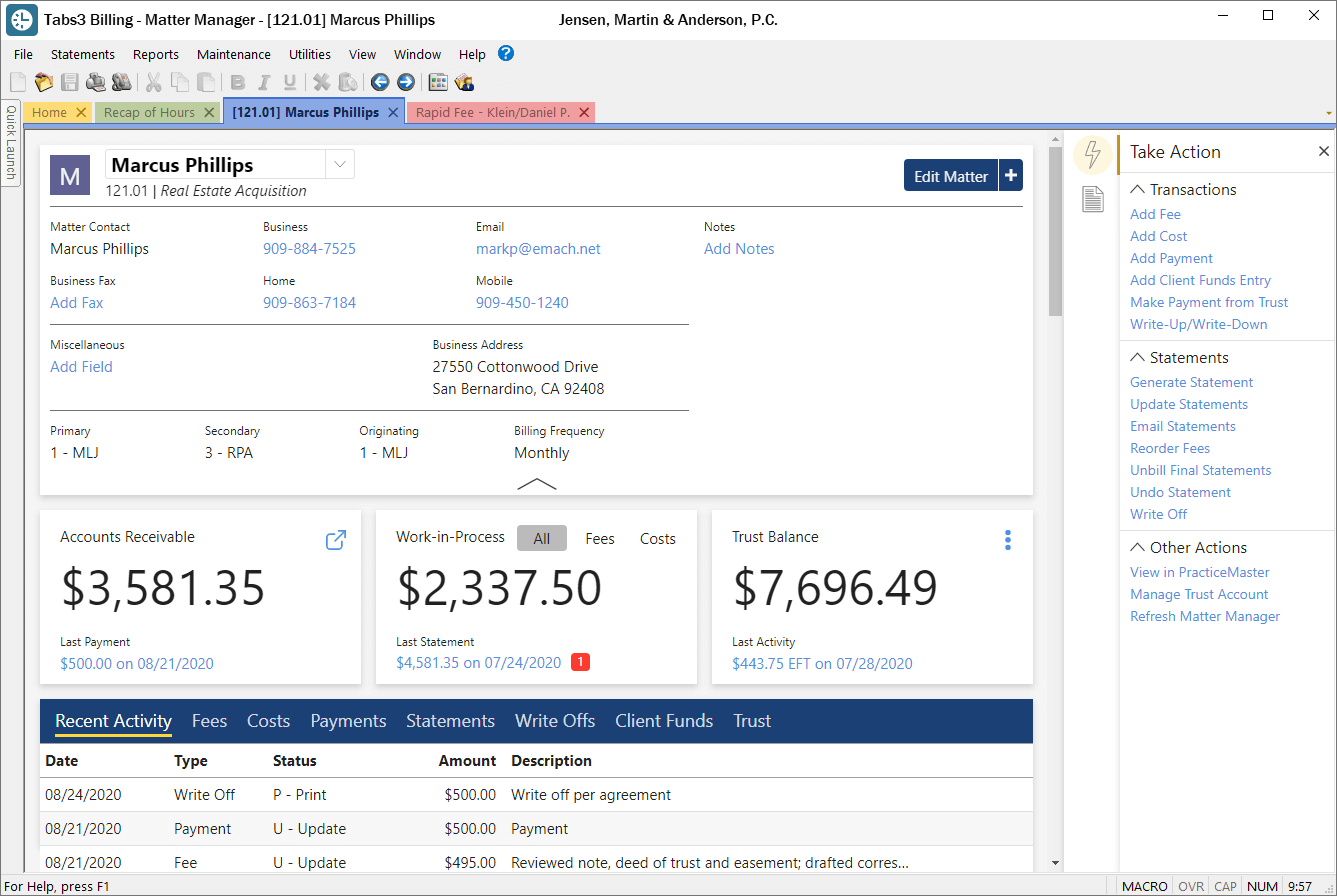
Tabs3 is robust legal billing and accounting software. Tabs3 is part of the Tabs3/PracticeMaster suite of law firm software. Tabs3 provides essential “back-office” functionality including time, billing and accounting; PracticeMaster provides powerful “front-office” capabilities including client and matter management.
Tabs3 has been around a long time, and has a reputation for being a robust accounting platform, backed by excellent user support.
Tabs3 is desktop/server-based, so it can be run on-premise or within a Private Cloud.
STAND-OUT FEATURES
PRICING
Related Articles:
Juris
Company: LexisNexis
Software Class: Dedicated Legal Accounting
OVERVIEW
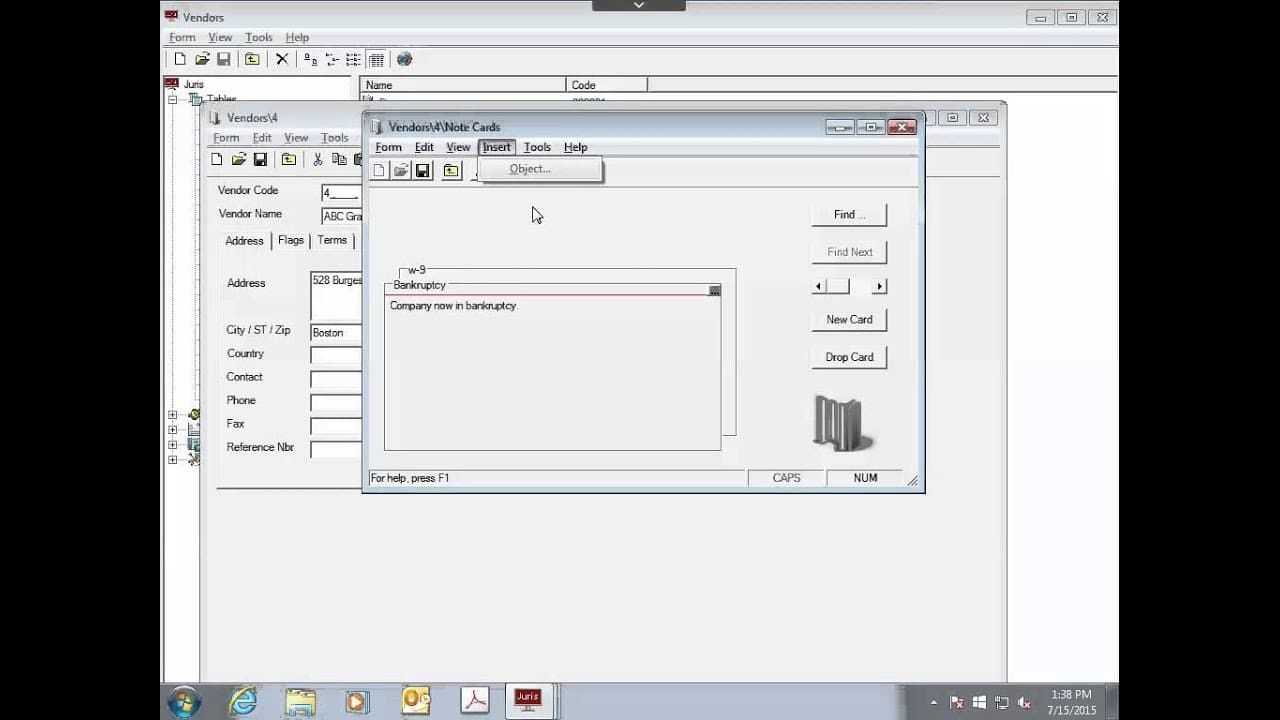
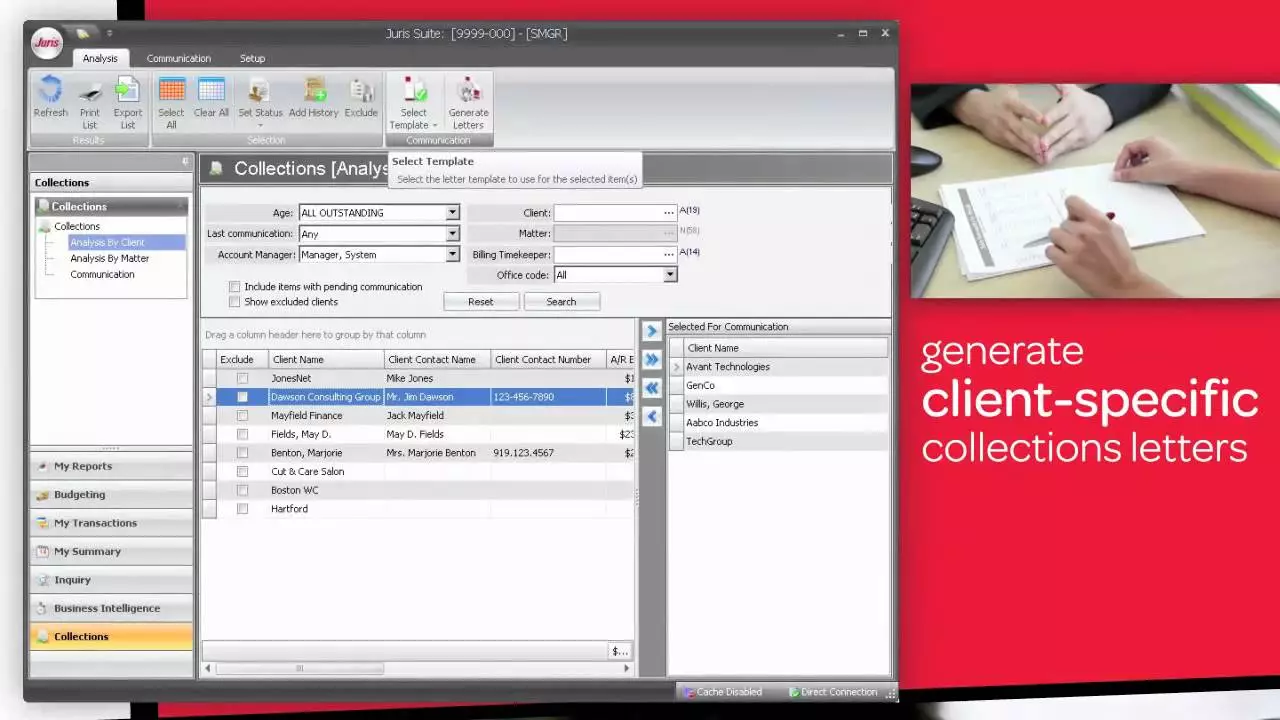
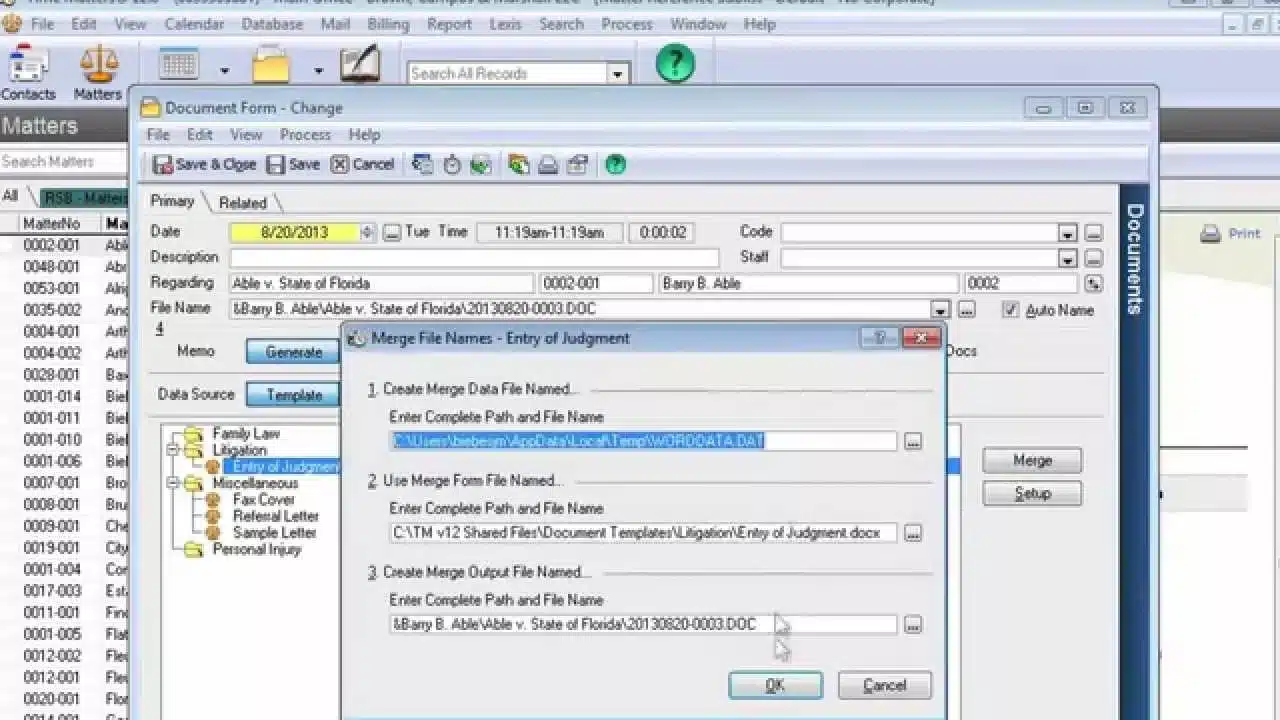
Juris is a robust law firm billing and accounting platform. It’s incredibly robust and flexible, making it a top choice for law firms of 10 time-keepers or more. Juris provides full-fledged accounting as well as nuanced, detailed billing for a variety of billing models.
Juris comes in two packages, Juris Core (it’s more entry-level product) and Juris Suite, it’s more comprehensive edition. Both come with rich accounting and a strong set of financial and billing reports.
Juris is desktop/server-based, so it can be run on-premise or within a Private Cloud.
STAND-OUT FEATURES
PRICING

ProLaw
Company: Elite (a Division of Thomson Reuters)
Software Class: Practice Management + Accounting
OVERVIEW
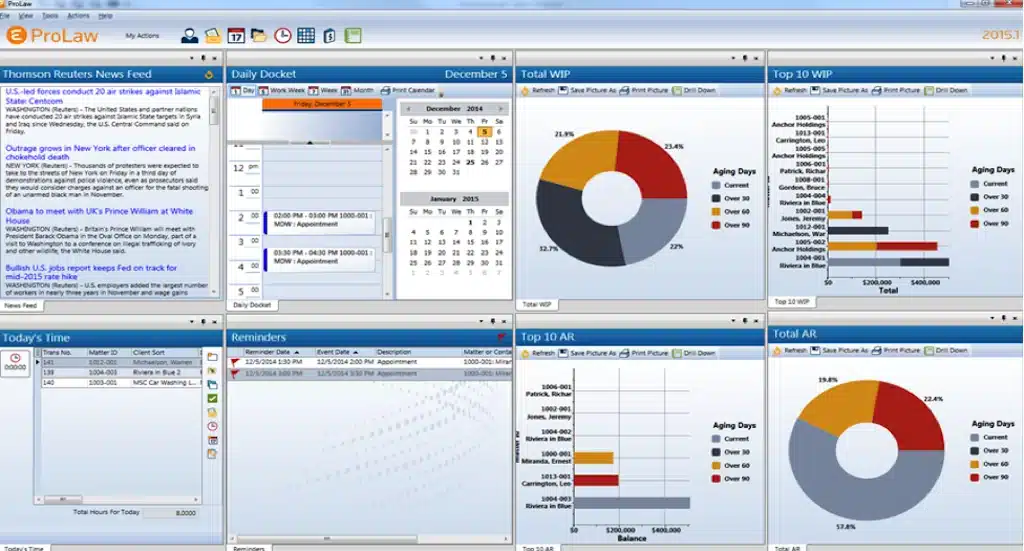
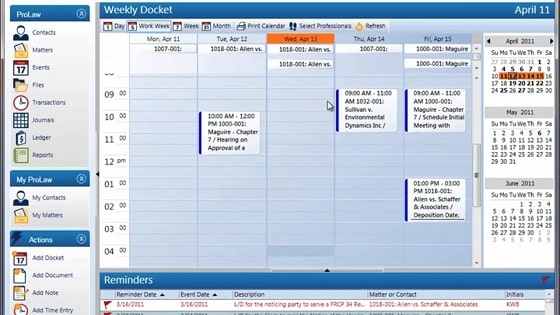
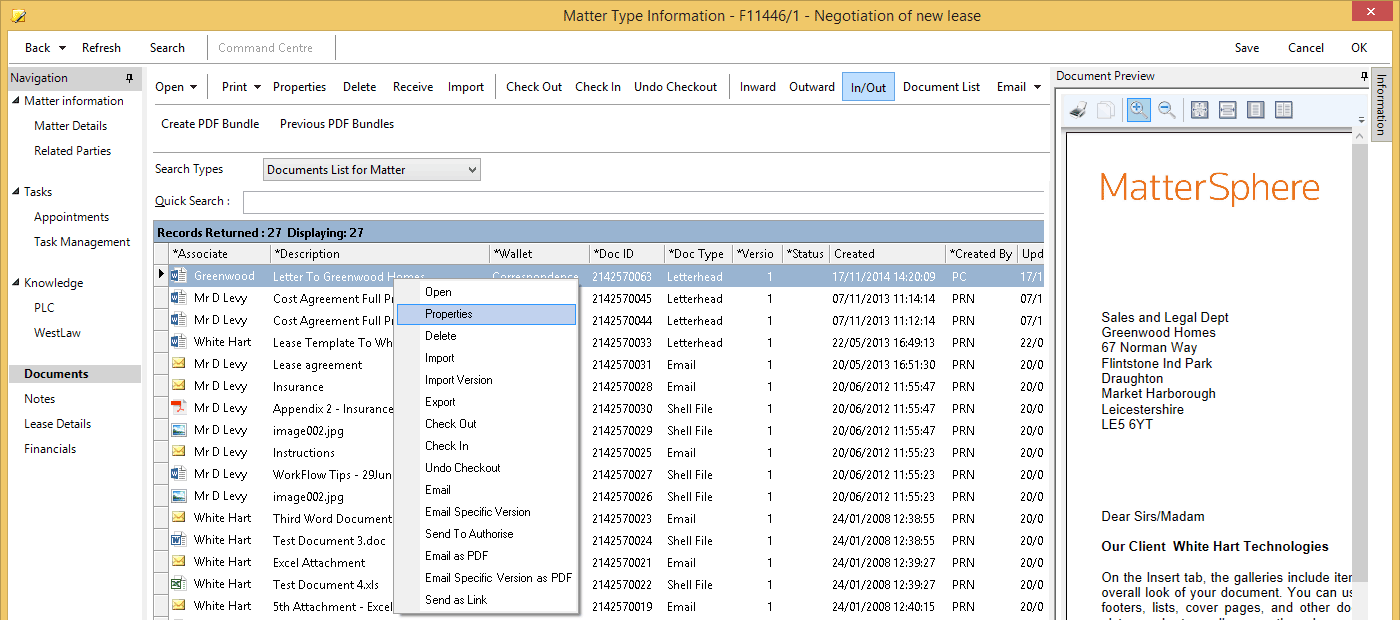
ProLaw is robust practice management, document management and accounting software for law firms. It’s the only legal software platform that includes all three of these main pillars to running a law practice.
ProLaw comes in a number of packages and editions, some of which include ProLaw’s fully-featured accounting software. With ProLaw, your law firm can manage its clients, matters, billing, documents and accounting on a single package.
ProLaw is desktop/server-based, so it can be run on-premise or within a Private Cloud. ProLaw also offers ProLaw Workspace, an optional web interface to the ProLaw system.
STAND-OUT FEATURES
PRICING
Related Articles:
Consider the Cloud
Perhaps you want to use a server-based software, but you don’t want the hassle of server ownership/maintenance — understandable!
Regardless of which accounting software best suits your law firm’s needs, Uptime Legal wants to help you host it.
A Private Cloud will host your desktop-based legal software, documents and data in the cloud. Get the reliability, security and mobility of the cloud without sacrificing your software. Get in touch with our team to learn more.
Cloud-Based Software

Clio
Company: Clio
Software Class: Practice Management + Accounting
OVERVIEW
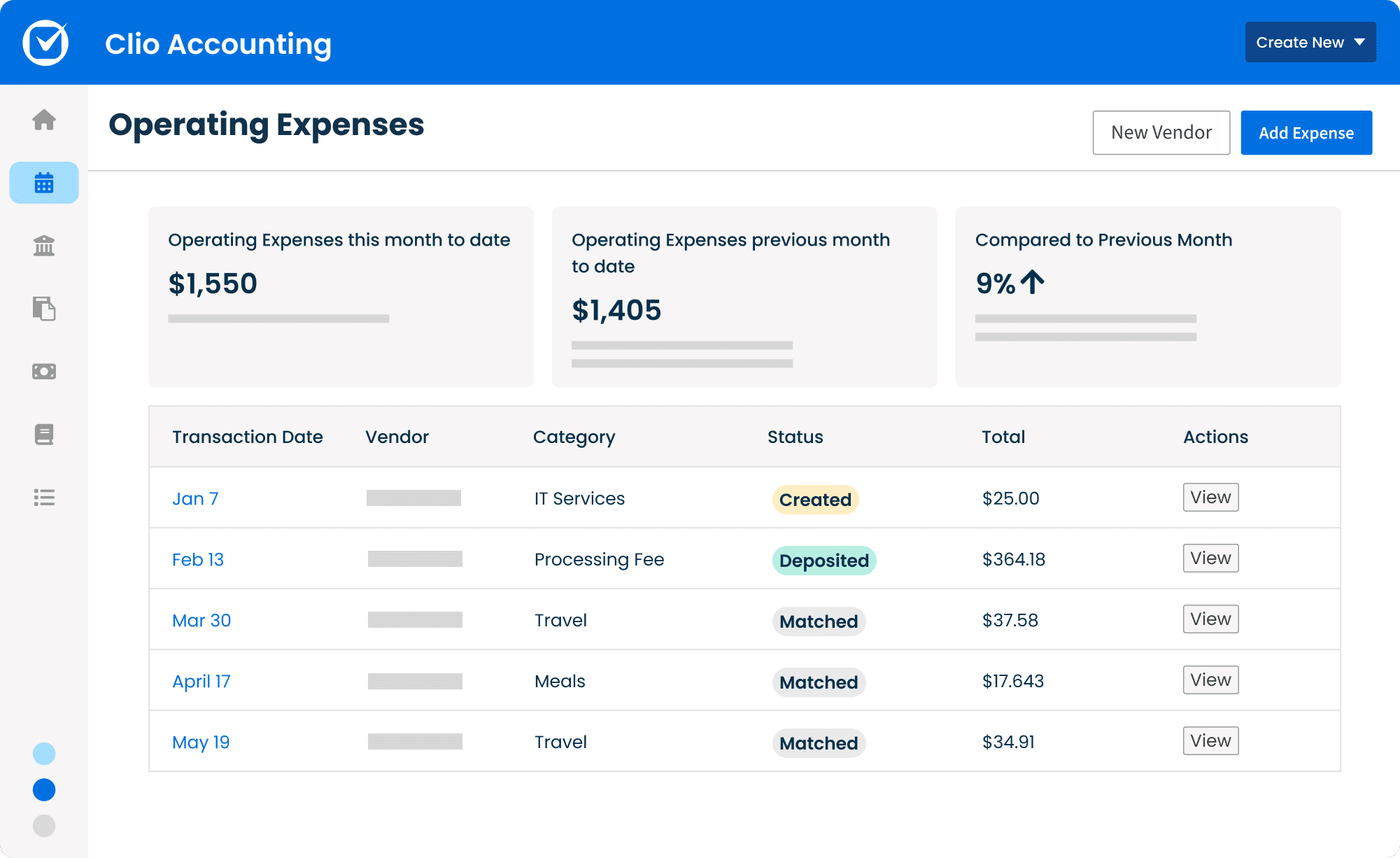
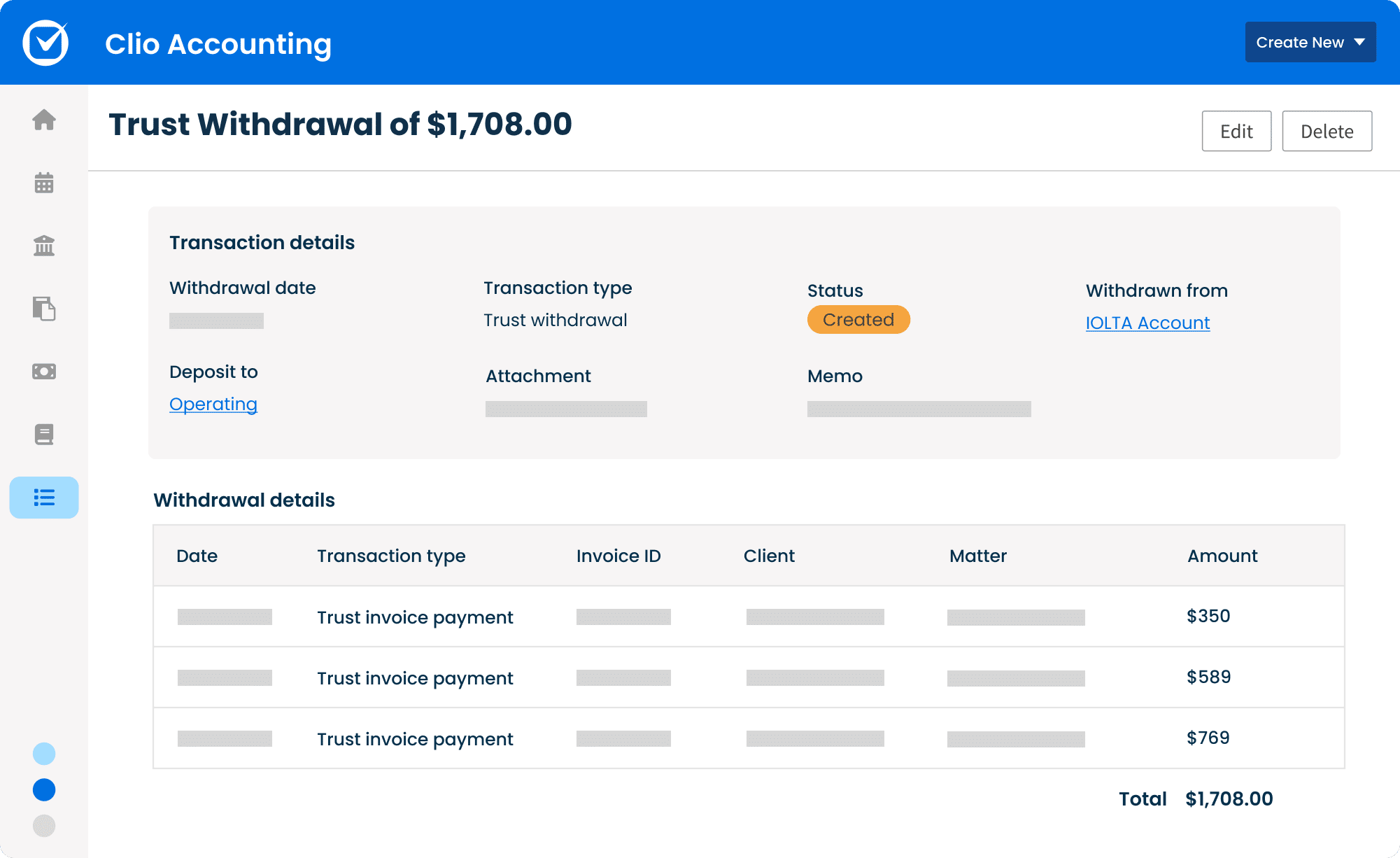
Clio’s suite of tools is robust and made for law firms. Their accounting software is no different.
With Clio, you can avoid time-waste looking for receipts, logging transactions, and skip the reconciliation of various platforms or files. Instead, this cloud-based accounting software allows you to manage your finances, stay compliant, and make data-driven decisions.
The integration with Clio Manage, their practice management software, allows you to seamlessly work on various aspects of your law firm.
STAND-OUT FEATURES
PRICING

QuickBooks
Company: Intuit
Software Class: Pure Accounting
OVERVIEW
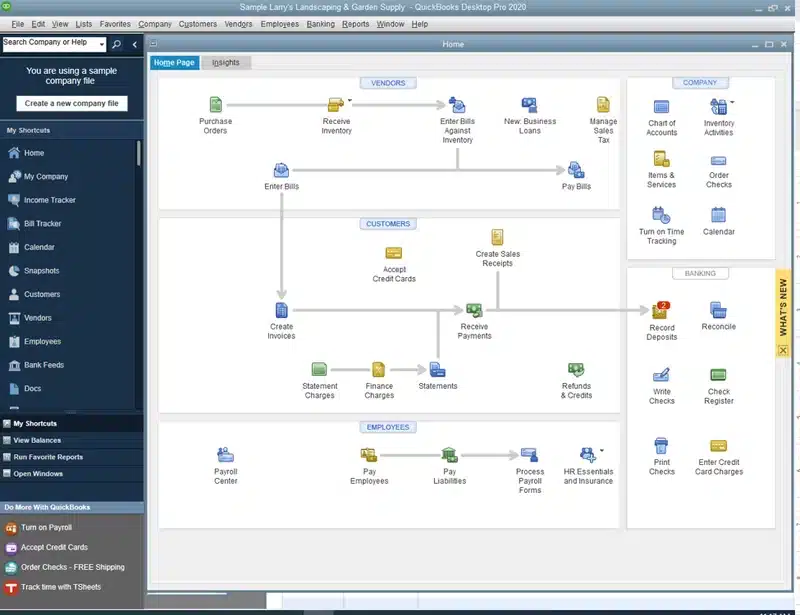
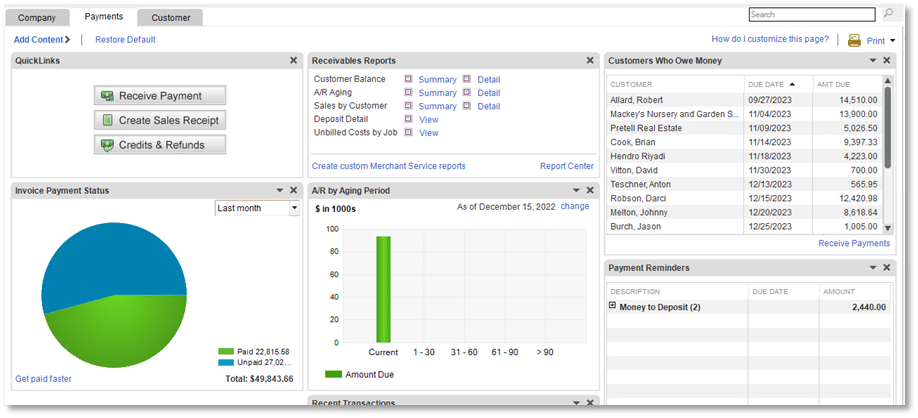
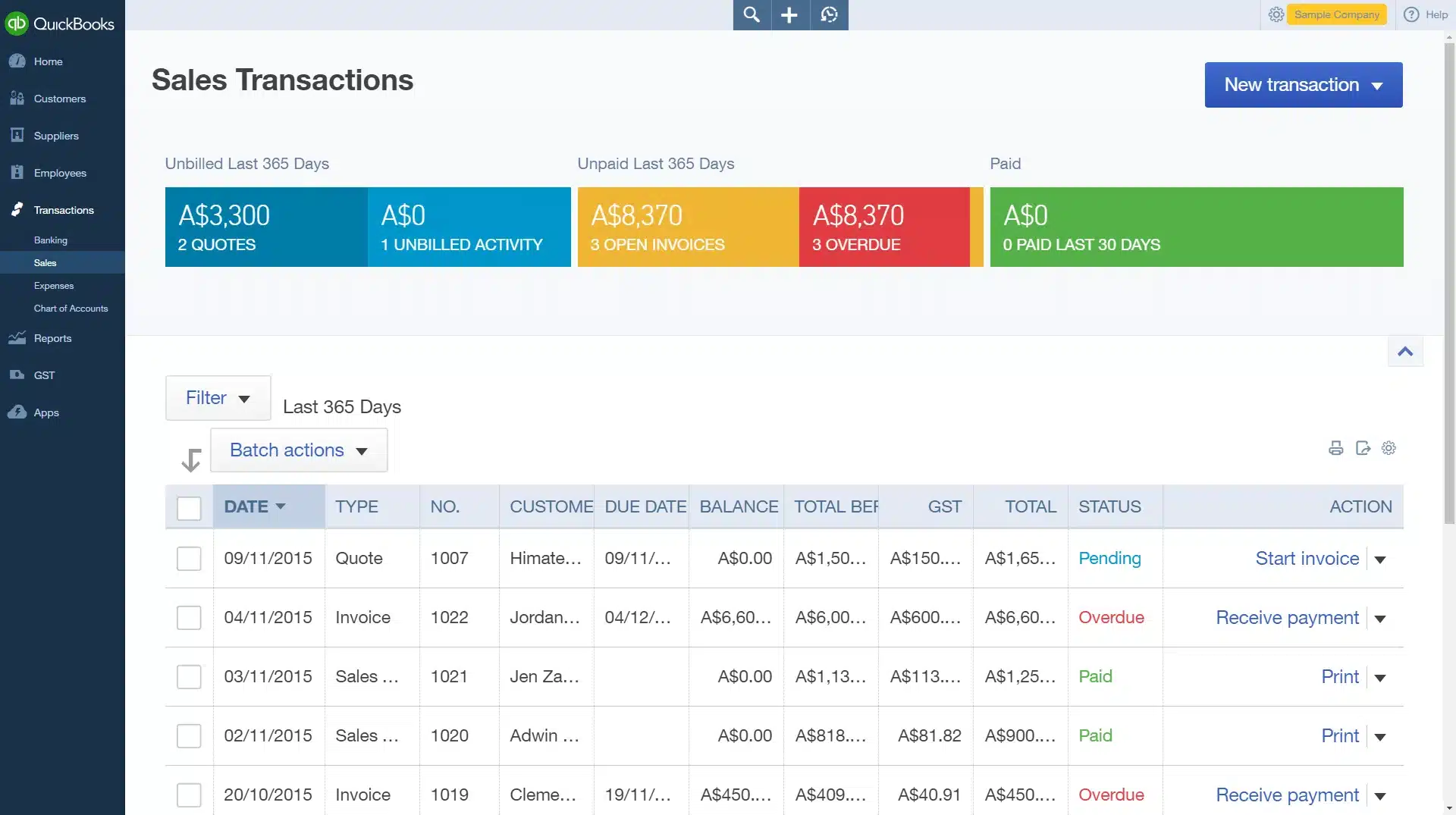
QuickBooks is by far the most well-known accounting software—for good reason. It’s robust and powerful yet easy to use. QuickBooks is not law-firm-specific, so while a great application, it may lack some of the legal-specific functions your firm requires.
QuickBooks comes in both a Desktop and a Cloud-based (online) version.
QuickBooks Desktop is the classic, full-featured accounting software that runs on Windows PCs.
QuickBooks Online is Intuit’s cloud-based (web-based) edition, which provides much, but not all, of the classic Desktop functionality.
STAND-OUT FEATURES
PRICING

LEAP
Company: LEAP Software
Software Class: Practice Management + Accounting*
OVERVIEW
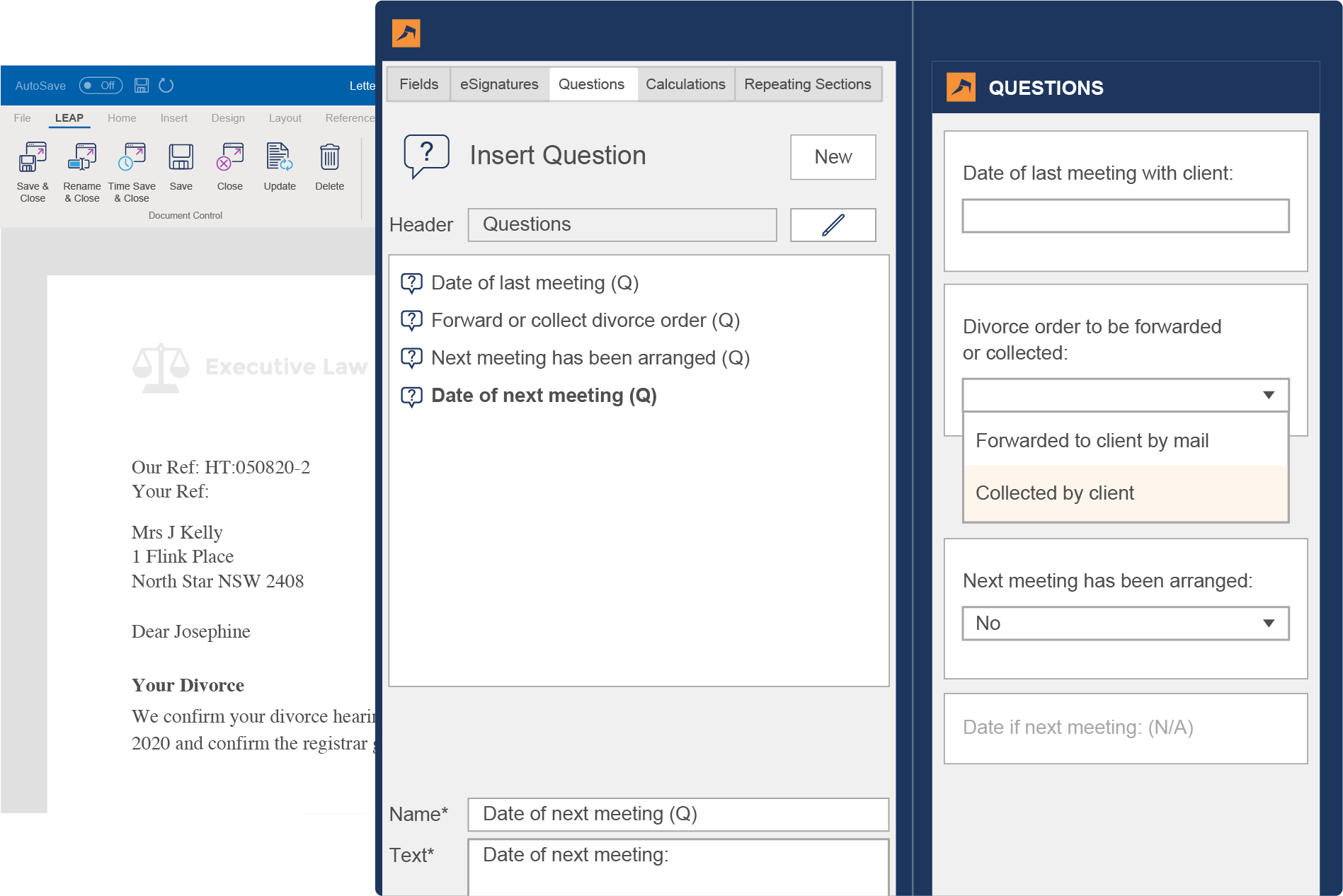
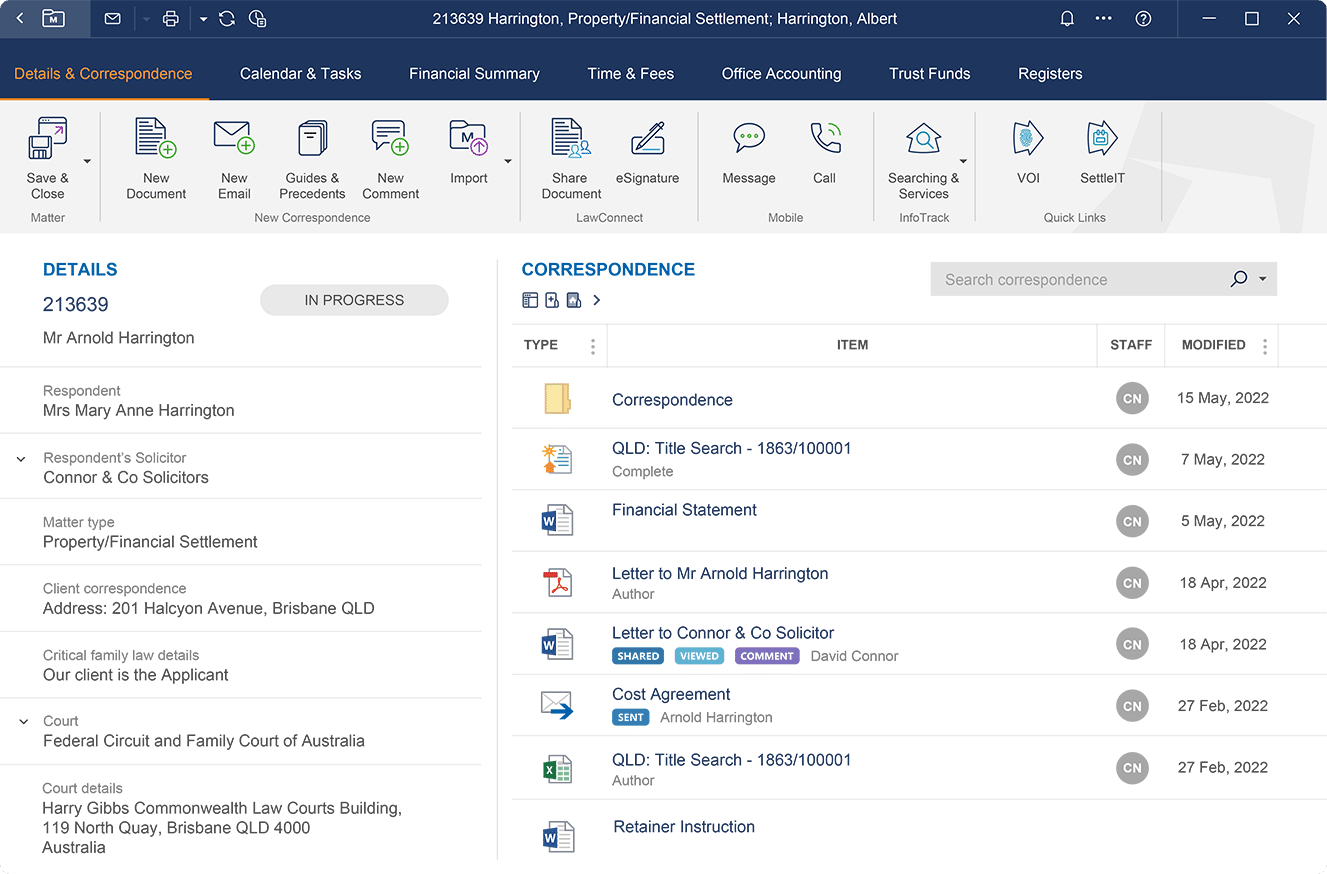
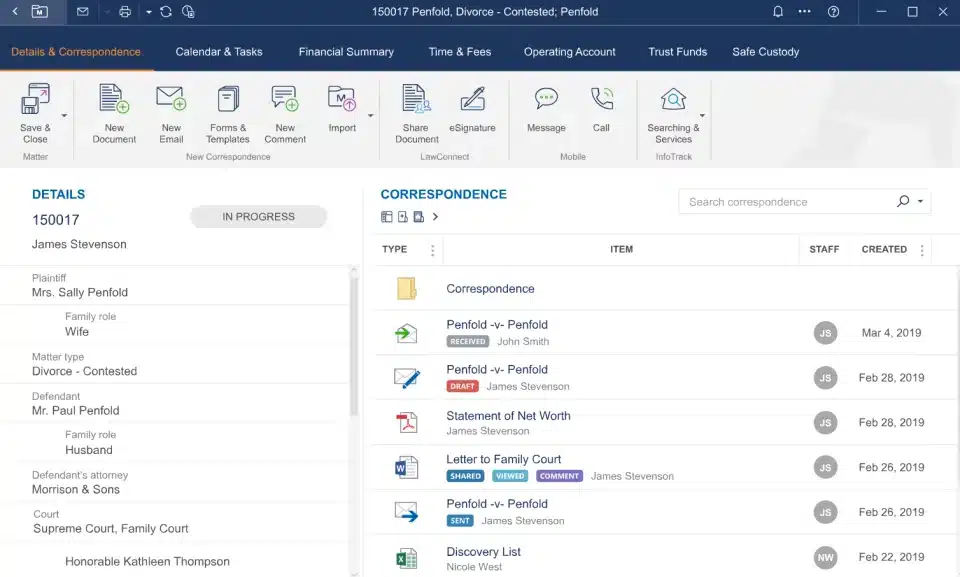
LEAP is robust, cloud-based practice management and legal billing software. *LEAP is not a full-fledged accounting system, but it provides powerful, flexible legal billing, trust accounting and reporting, so it’s worthy of a spot on this list and certainly worthy of your consideration.
In addition to sophisticated law practice management and document assembly/form assembly features, LEAP provides time tracking, billing, trust accounting and financial reporting capabilities.
LEAP is unique in that it’s a hybrid-cloud solution. You install a lightweight desktop application on your Windows PC, but the core of the software (and data) is stored on LEAP’s cloud platform.
STAND-OUT FEATURES
PRICING

CosmoLex
Company: Software Technology, Inc.
Software Class: Practice Management + Accounting
OVERVIEW
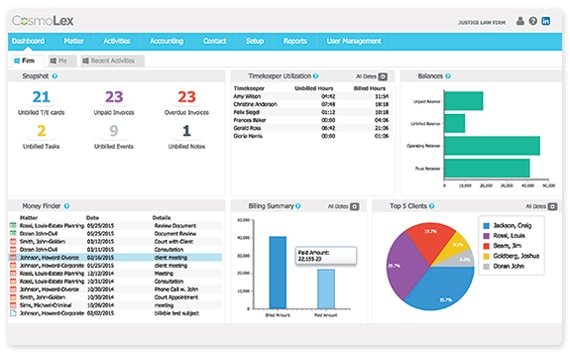
CosmoLex was among the first cloud-based law practice management applications that includes complete, end-to-end accounting.
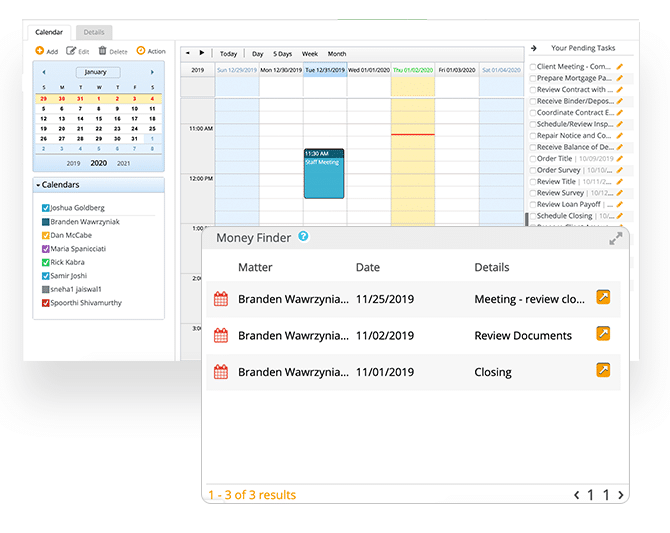
CosmoLex includes client and matter management, time, billing, business accounting and trust/IOLTA accounting, thereby eliminating the need for QuickBooks or other accounting software. With CosmoLex, the financials of every client/matter is front-and-center, and intrinsically linked to each case.
CosmoLex is cloud-based, which means you run the software from a web browser.
STAND-OUT FEATURES
PRICING

Centerbase
Company: Centerbase
Software Class: Practice Management + Accounting
OVERVIEW
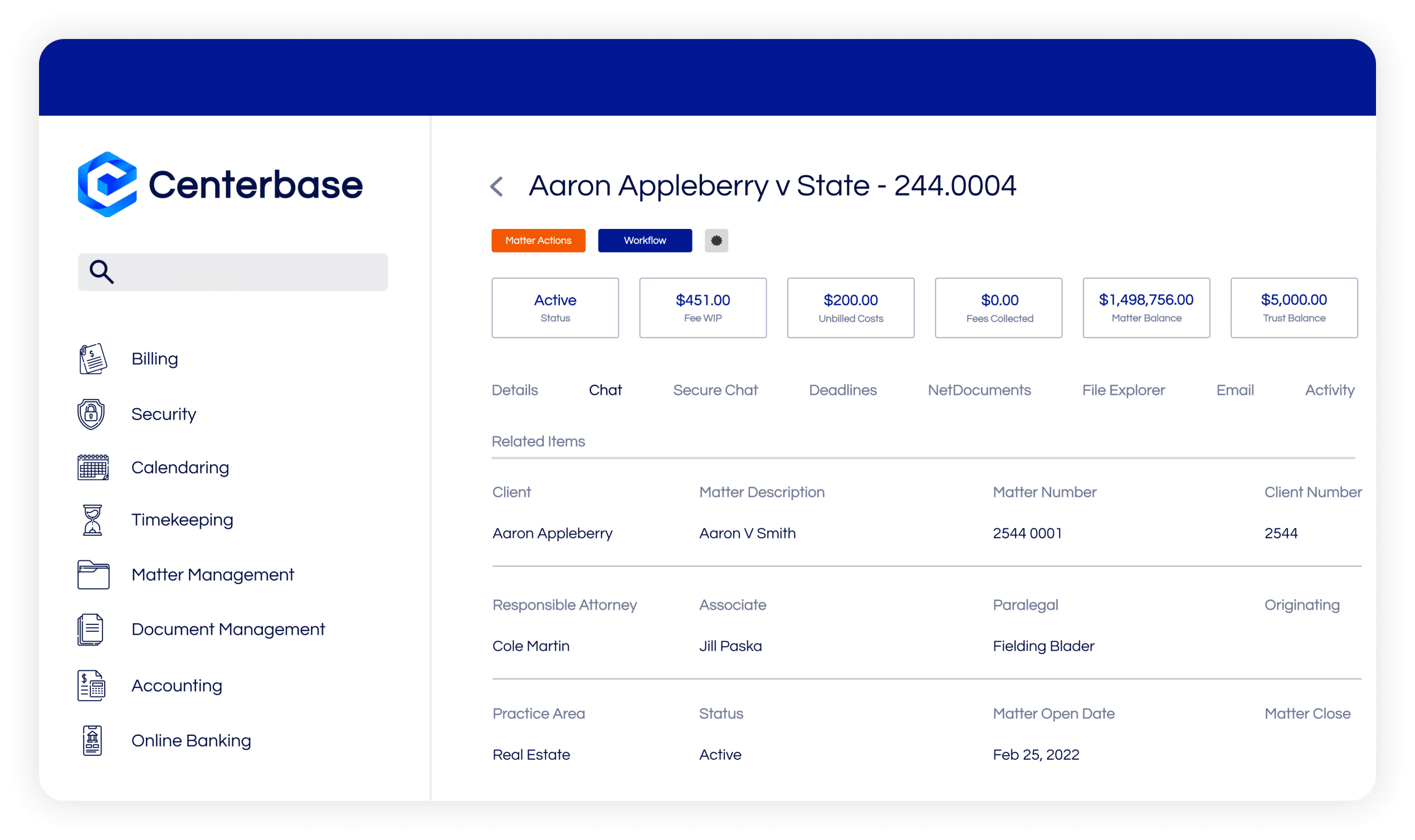
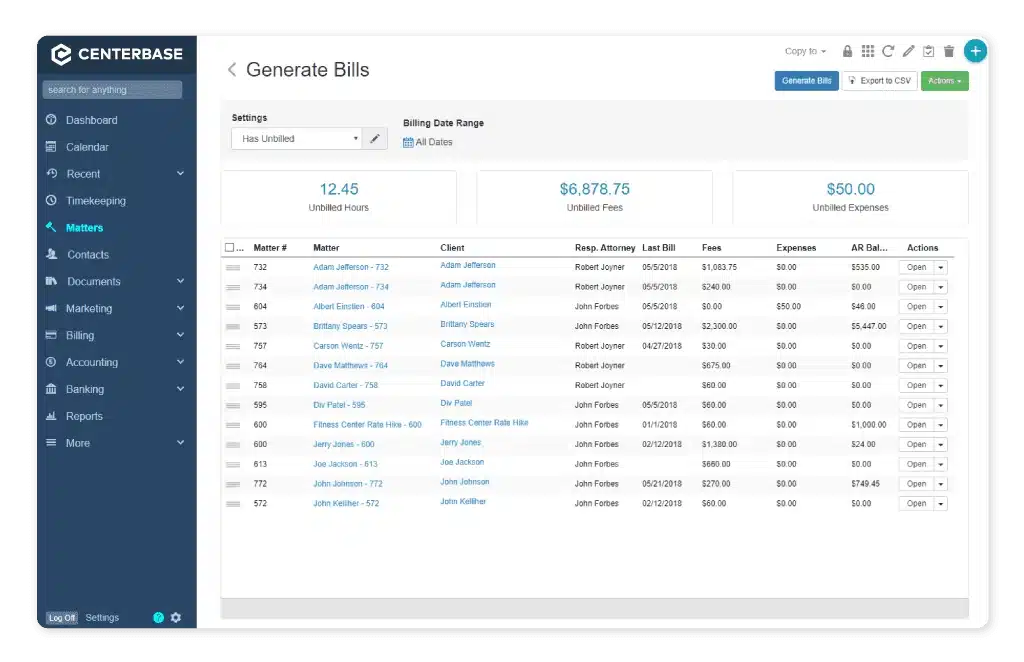
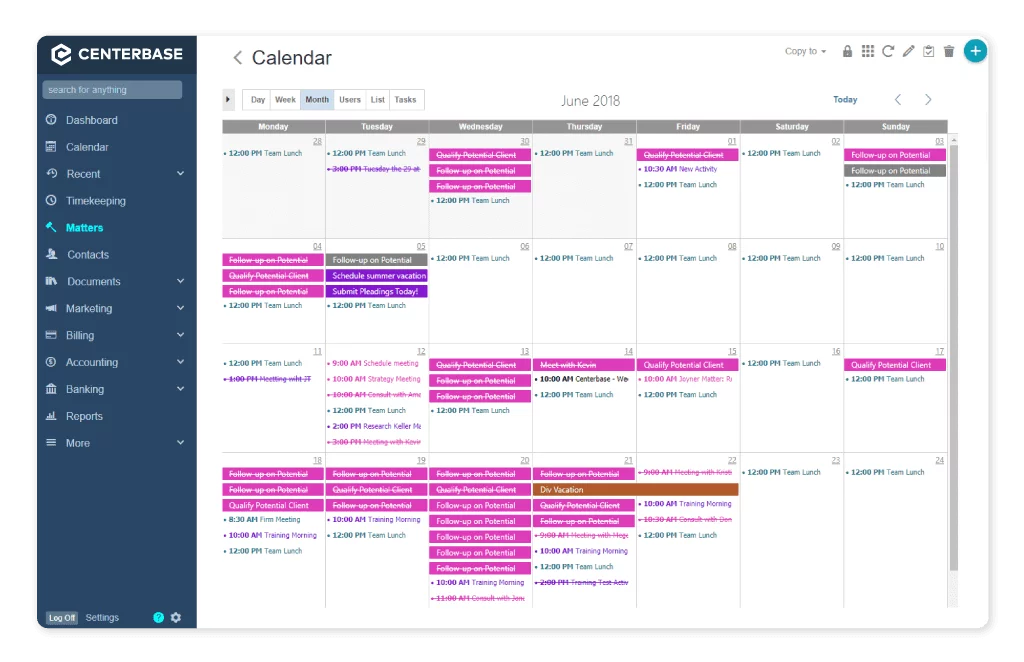
Centerbase is a cloud-based Law Practice Management system. It provides time and billing, case and client management, and full-fledged accounting.
Centerbase is arguably one of the most customizable LPM applications, though that customization may require an outside consultant.
Centerbase describes its platform as “Mission Control for your Law Firm,” bringing together case/matter management, billing and complete accounting in a single, customizable platform.
STAND-OUT FEATURES
PRICING

TrustBooks
Company: TrustBooks
Software Class: Dedicated Accounting Software
OVERVIEW
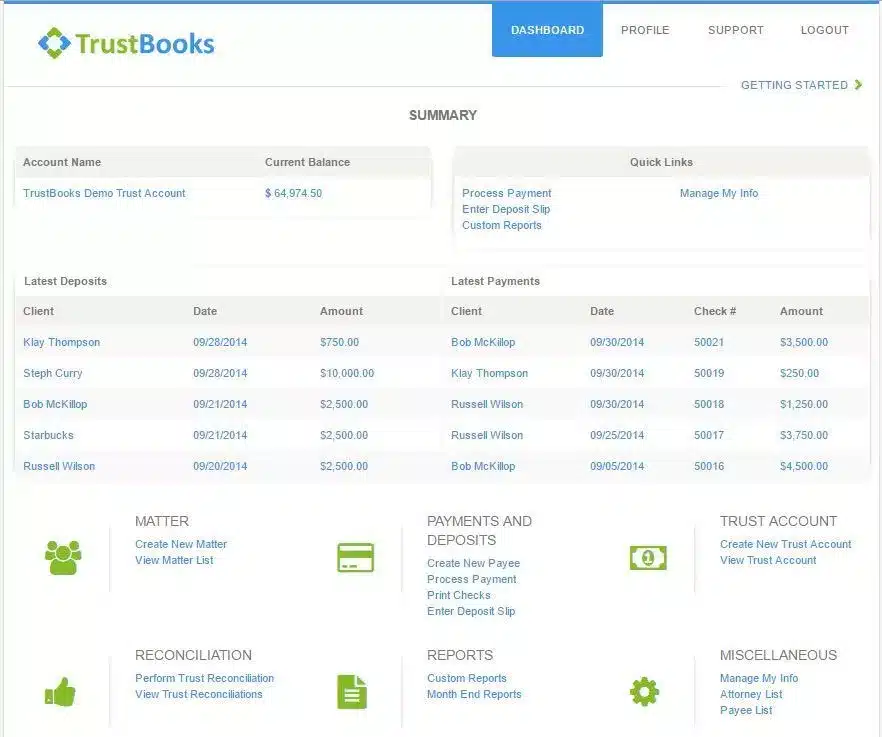
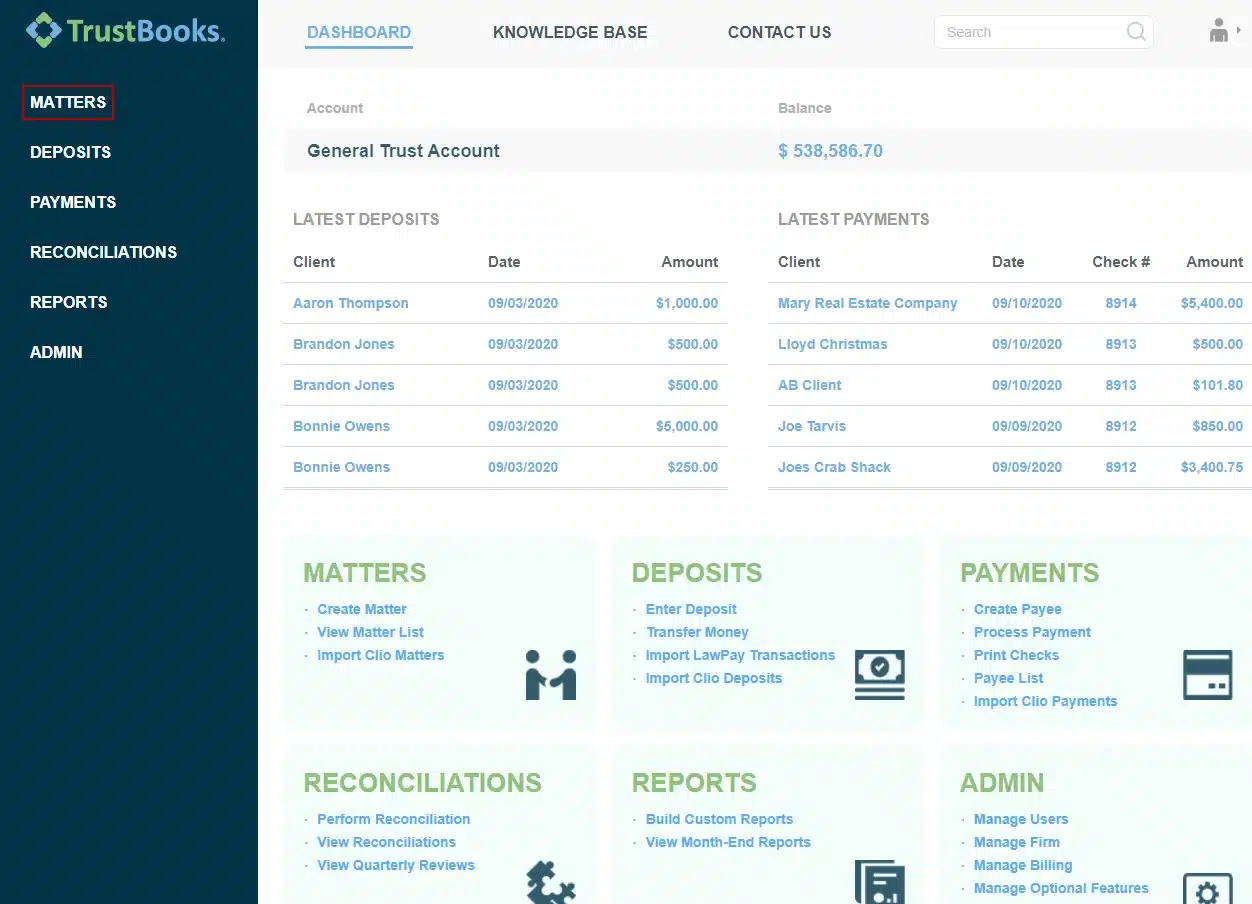
TrustBooks is unique in that it’s stand-alone software for Trust Accounting.
Many law firms use QuickBooks for their core accounting but acknowledge that QuickBooks does not follow the rigid Trust Accounting rules. Some law firms still try nonetheless, or worse, use an Excel spreadsheet to manage trust accounts.
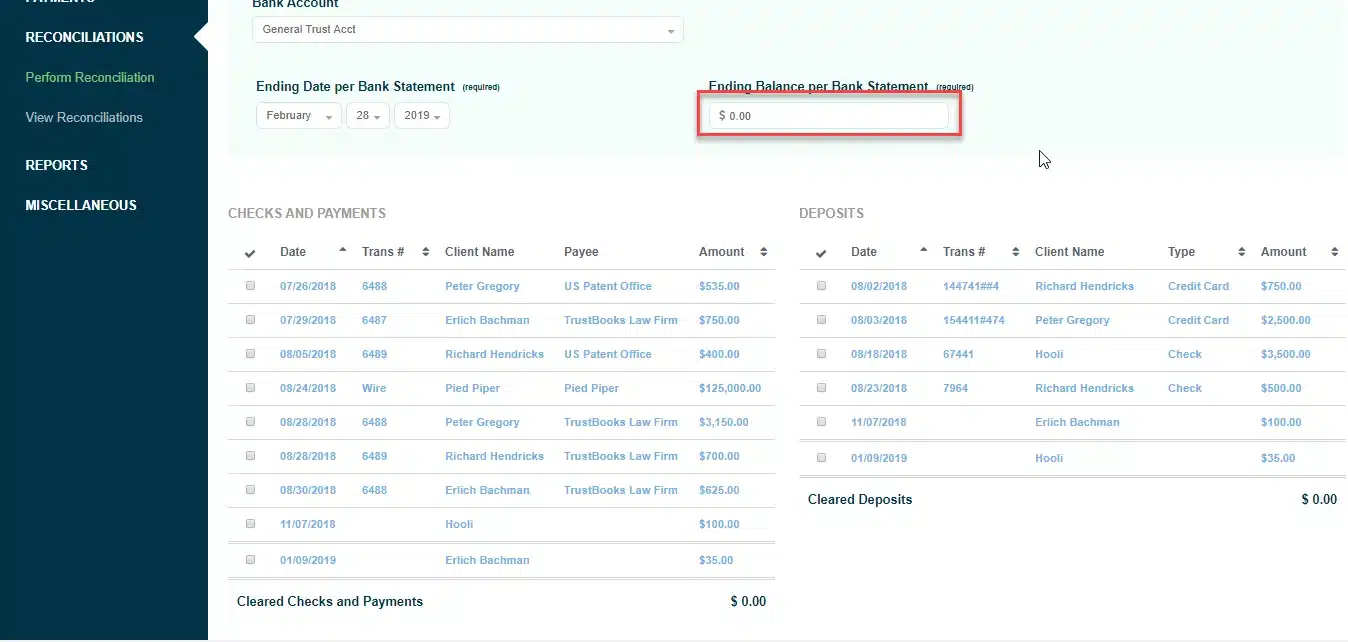
TrustBooks provides comprehensive Trust/IOLTA accounting with three-way reconciliation, trust audit reports and more. TrustBooks is cloud-based, which means you run it from a web browser.
STAND-OUT FEATURES
PRICING

Soluno
Company: Soluno
Software Class: Dedicated Accounting Software
OVERVIEW
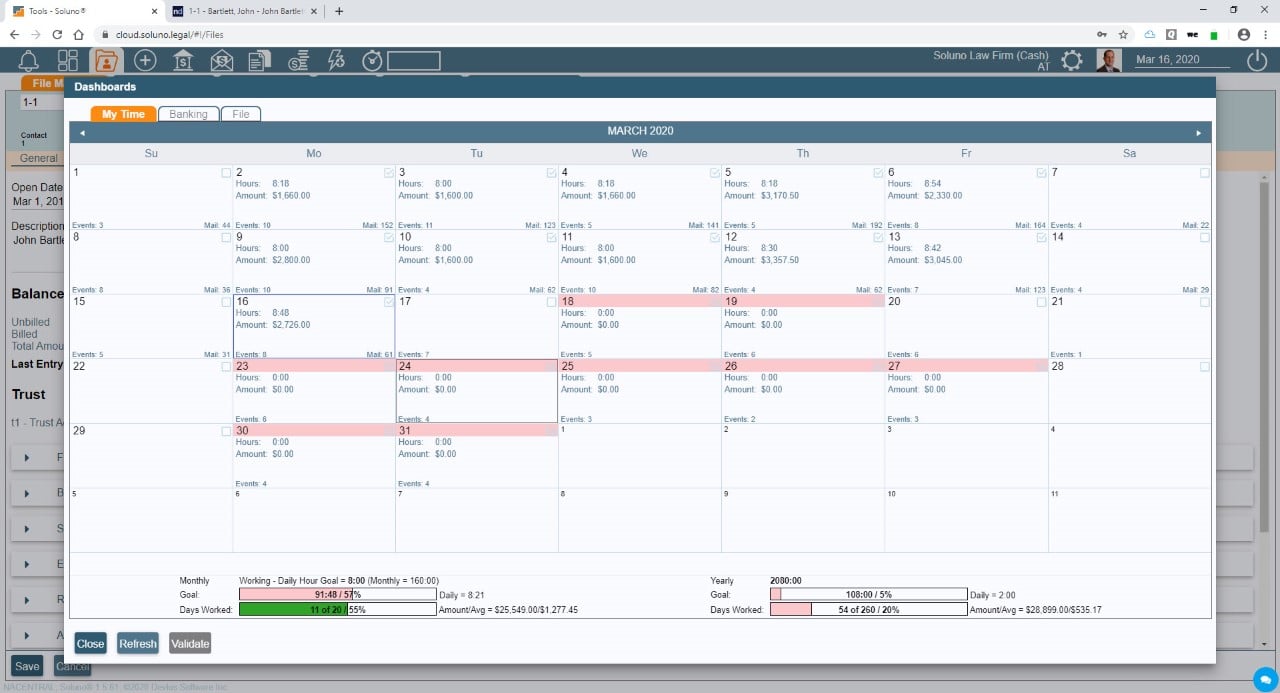
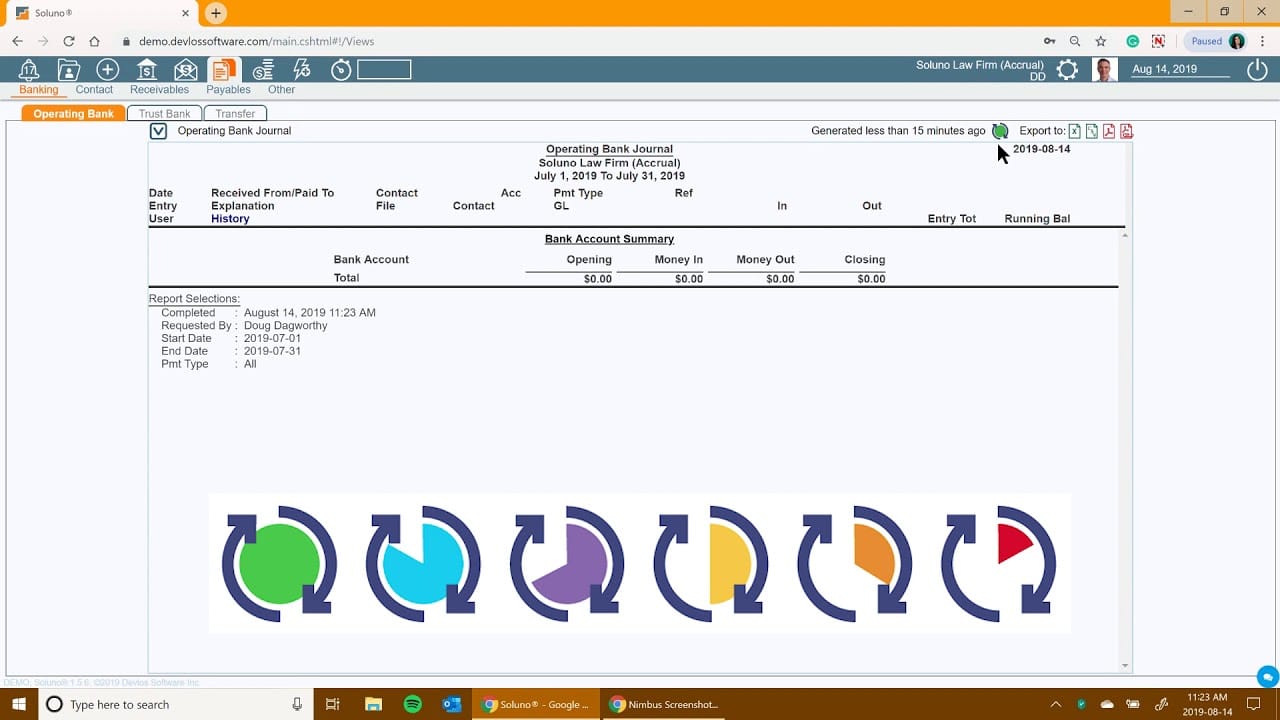
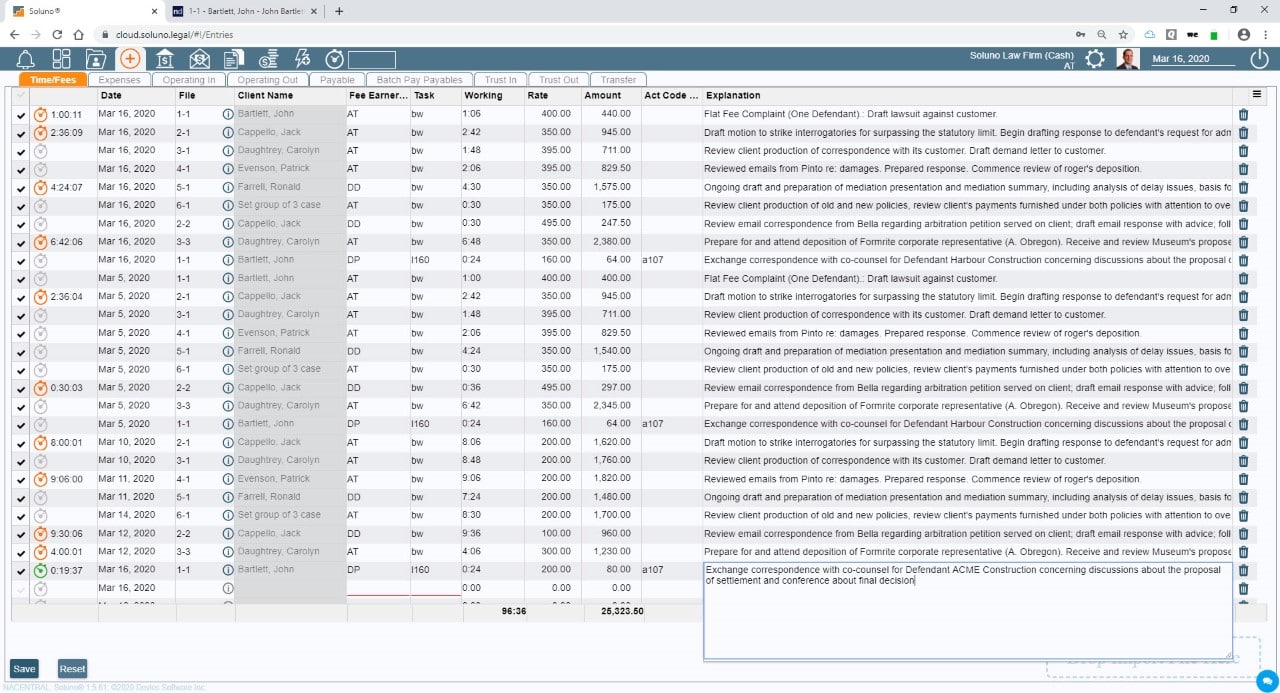
Soluno is a cloud-based platform that offers solutions for law firm accounting, billing, and trust management. It aims to simplify financial operations by providing tools for efficient time tracking, invoicing, and reporting.
The software is designed to integrate with other practice management systems, allowing firms to streamline their workflows. Soluno provides detailed billing options, customizable reports, and trust accounting capabilities to help law firms manage their finances effectively.
STAND-OUT FEATURES
PRICING
More Useful Software for Law Firms
In this article, we’ve covered the best law firm accounting software packages. In addition to accounting, your law firm likely needs other software.
We encourage you to learn more about other useful software for law firms.
Document Management Software
Document Management Software keeps your documents (and email) organized, searchable and accessible from anywhere.
Document Management software typically provides:
Practice Management Software
As we described earlier, Practice Management software manages your firm’s clients, contacts, cases, and billing.
Practice Management software typically includes: