Table of Contents
Worldox is going away. On-premise support ends December 31, 2026, and Worldox Cloud already shut down back in 2023. If your firm still runs Worldox, you’ve got a real deadline and a real decision in front of you.
You’ve probably heard NetDocuments acquired Worldox and is steering firms onto its own platform. That’s one path. For a lot of small and mid-sized firms, taking it by default is a mistake.
This is your map of the real replacement options — what to look for, how the leading document management systems for law firms honestly compare, and where each one fits.
Worldox End-of-Life: What’s Happening and When
Worldox on-premise support ends December 31, 2026, and Worldox Cloud was discontinued back in 2023. If your firm is still running Worldox GX3 or GX4, the clock is now the most important fact in your technology planning.
This isn’t a rumor or a far-off “someday.” It’s a scheduled end date, and the 2023 Cloud shutdown already showed how it plays out.
Here’s the timeline that matters:
After that date, end-of-life means more than a lack of new features. It means:
Staying put past the deadline isn’t a neutral choice. An aging on-premise system keeps accumulating risk while you wait — remote access degrades, the server still has to be managed, and law firms aren’t in the business of running technology. That risk lands on your firm.
The good news is you have time to choose well if you start now. The rest of this guide walks through how.
Why Worldox Firms Are Being Pushed to NetDocuments
NetDocuments acquired Worldox, and its end-of-life migration path points firms toward NetDocuments’ own platform. When you reach out about what’s next, the recommended answer tends to be the product the same company sells.
That makes business sense for NetDocuments. Owning the product you’re migrating off of means owning the migration, and the easiest customer to win is one who’s already being sent your way.
It doesn’t make NetDocuments the right answer for your firm by default.
NetDocuments is a capable, secure, enterprise-grade system. The real question is whether a small or mid-sized firm should inherit an enterprise platform built for much larger organizations — or choose a system built for a firm your size. You’re allowed to evaluate the field instead of following the funnel.
That’s what the rest of this page helps you do: look at the honest options, compare them side by side, and decide on your own terms.
What to Look for in a Worldox Replacement
The right Worldox replacement should be cloud-native, run natively on both Windows and Mac, and remove the on-premise server, forced profiling, and third-party-consultant friction Worldox firms already know too well.
Worldox firms tend to share the same frustrations, so the criteria below come straight from what made the old system painful. Use them to evaluate any option you’re considering:
That last pair — who handles your migration, and whether you’re locked in — separates the systems that respect your firm from the ones that don’t. Score every option against this list. The criteria favor cloud-native systems, and that’s the point — it’s where the market has moved for firms your size.
Your Real Options as Worldox Ends
For most firms leaving Worldox, the real options are NetDocuments, iManage, or a cloud-native document management system built for small and mid-sized firms. A handful of other tools fit narrower needs, but those three define the decision.
A quick definition first.
A legal document management system stores and organizes your documents and email by client and matter, with full-text search, version control, and profiling — well beyond what a file server or basic cloud storage can do. The legacy DMS products have been around a long time but show their age, and basic cloud storage was never built for legal work — the real question is which option fits a firm your size.
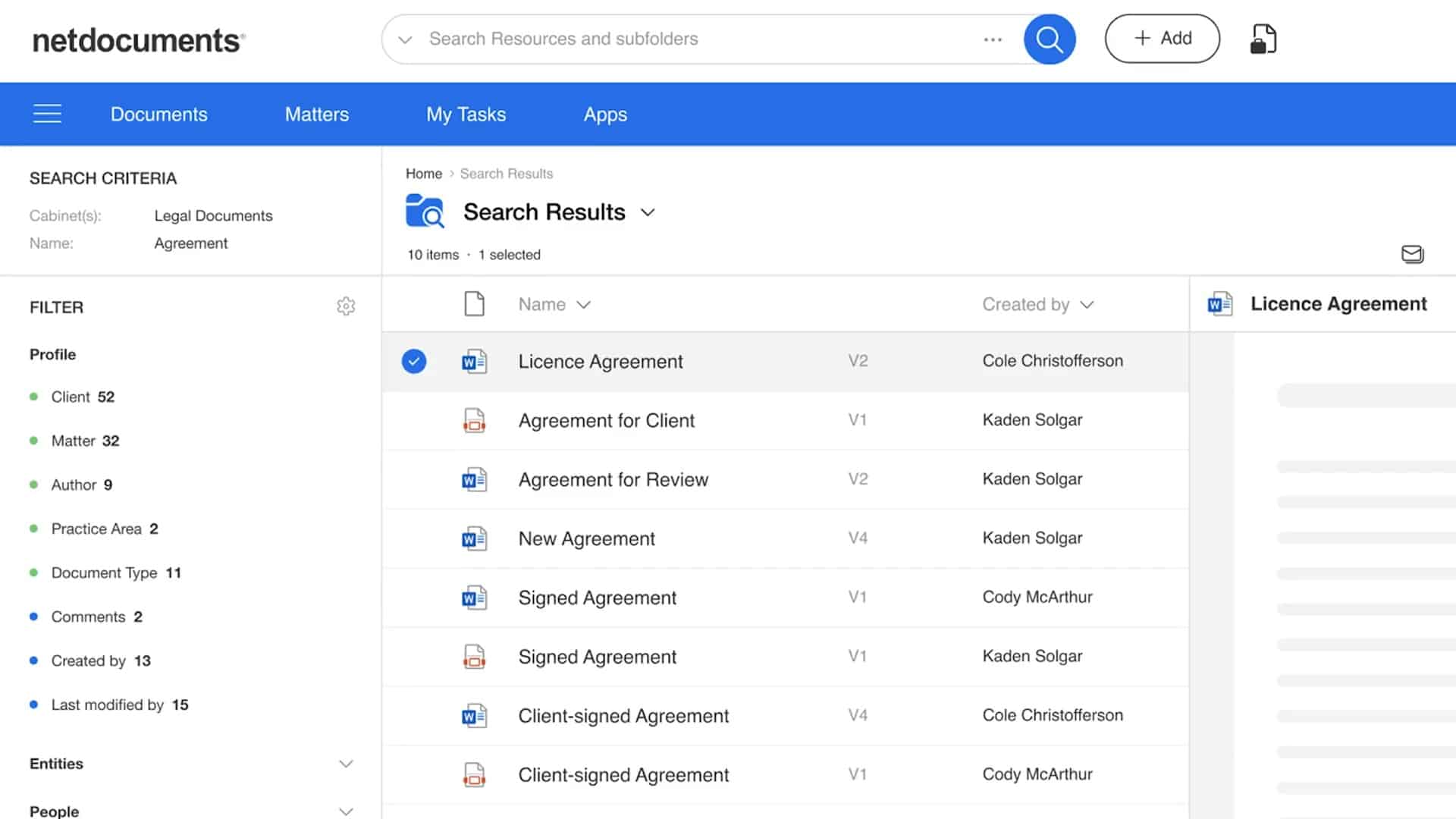
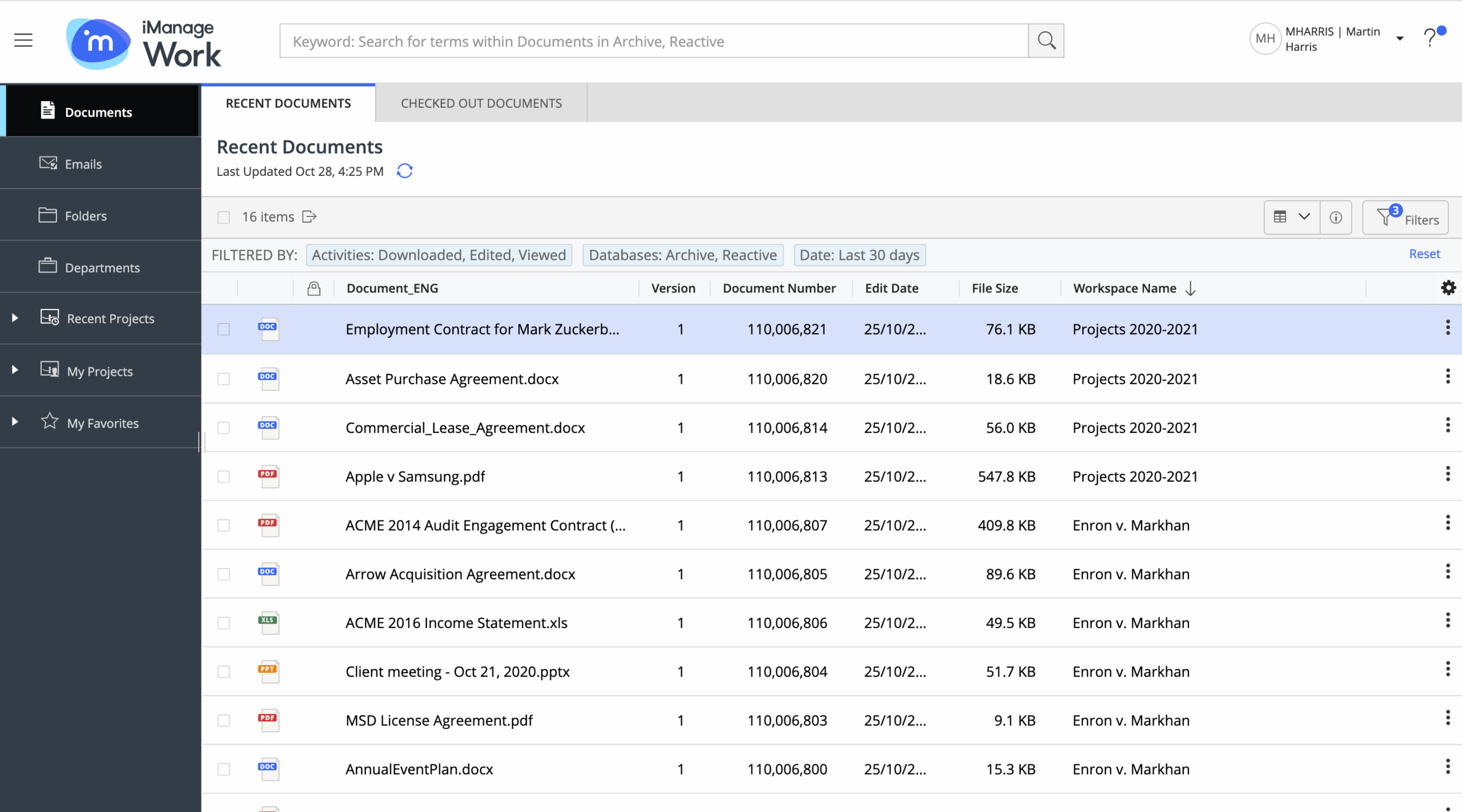
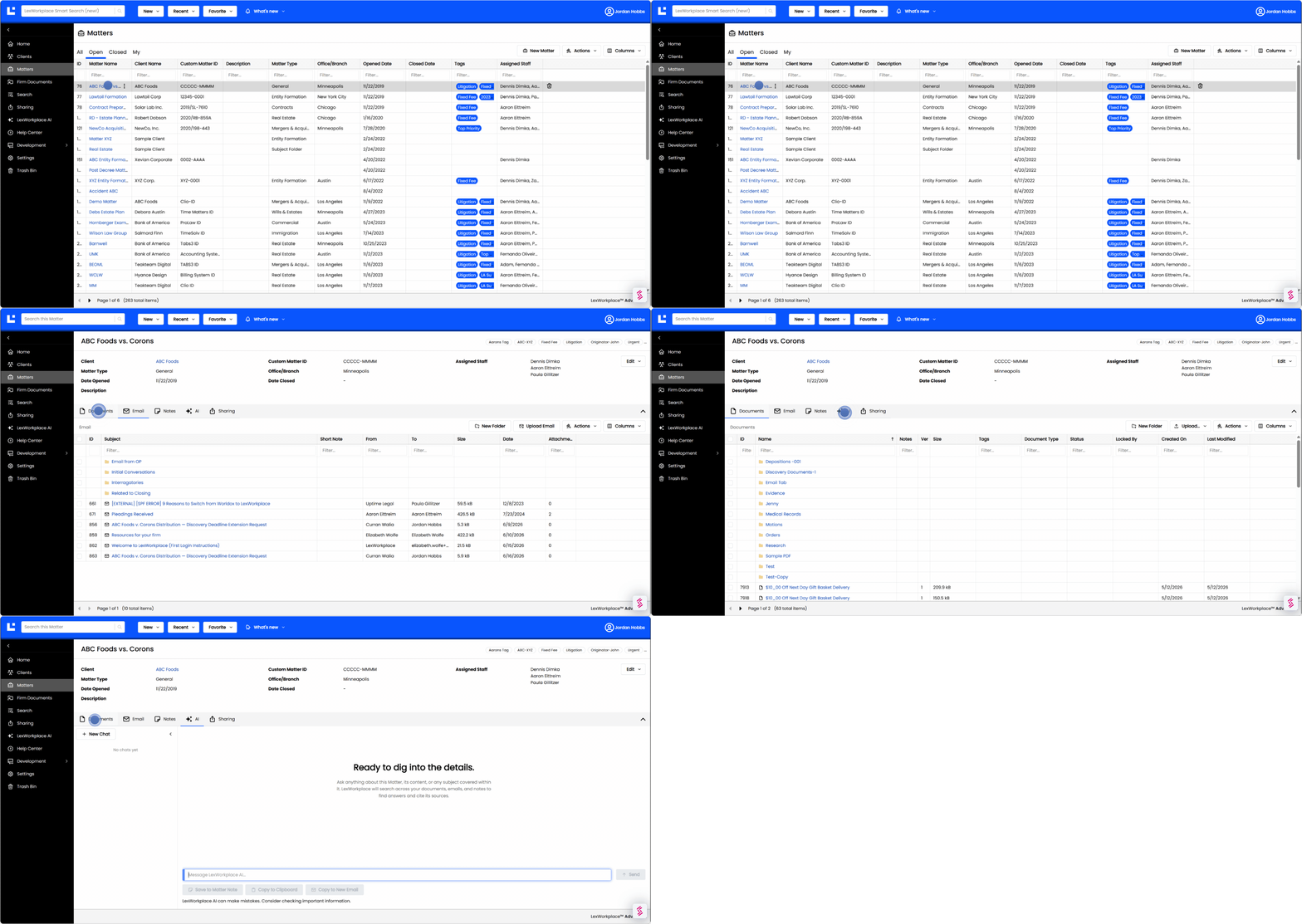
The three cards below use the same criteria so you can compare them honestly, side by side.


Other Options (ProLaw, LEAP, SharePoint, Revver, eDOCS)
A few other systems fit narrower needs:
For most Worldox firms, the decision still comes back to the three primary options above.
Is NetDocuments Right for Your Firm?
NetDocuments is a strong fit for **larger firms with dedicated IT**, but its cost, browser-based workflow, and lack of a native client/matter structure make it a difficult fit for many smaller firms. It’s worth being honest about both sides, because this is the option you’re most likely to be pushed toward.
What NetDocuments does well:
Where firms run into friction:
Two real user reviews capture the split:
“Difficult to use, expensive, but secure.” — 5/5, via Capterra
“Useful, but hard to navigate.” — 2/5, via Capterra
When is NetDocuments the right call? If you’re a larger firm with in-house IT, enterprise security requirements, and the budget to match, NetDocuments is a legitimate, capable choice. For a small or mid-sized firm that wants to be productive without a dedicated IT team, the fit is usually weaker.
iManage vs NetDocuments
We perform a side-by-side comparison of iManage vs. NetDocuments for law firms, including features, implementation, data security and more.
Worldox: A Quick Review
Worldox is an on-premise document management system long used by law firms, built around a Windows-centric desktop client. For years it did its core job well — organizing, classifying, and searching documents far better than a folder-based file server.
The reasons firms are leaving are the same reasons it’s reaching end-of-life:
Worldox was a capable product in its time, and the wrong one to stay on past 2026. A fuller breakdown lives in our Worldox review if you want the detail.
What a Modern Document Management System Should Do
A modern document management system secures, organizes, and retrieves your firm’s documents and email from the cloud, without an on-premise server to manage. Storage is just the floor — the value is in everything the system does on top of it.
A cloud-based legal DMS should give your firm:
Migrating Off Worldox: How to Switch
Migrating off Worldox is a planned data-and-training project that goes smoothest when you start well before the December 2026 deadline. The firms that struggle are the ones that wait until support is gone and then rush.
A good migration comes down to a few things:
- Start early. Give yourself months, not weeks, to move data and train your team without downtime pressure.
- Map your data. Know what you’re moving — matters, documents, email, and metadata — before you begin.
- Choose a provider that owns the process. Look for a vendor that runs its own onboarding instead of handing you to an outside consultant.
That last point is where many DMS migrations go wrong, and it’s worth weighing heavily.
Waiting also carries its own cost, which we cover in why law firms shouldn’t delay a DMS migration. LexWorkplace handles migration and onboarding directly, with no third-party consultant in the middle.
Make the Deadline Work in Your Favor
Worldox is ending, and the deadline is a chance to fix what the old system made you live with. You’ve got time to choose deliberately if you start now.
Weigh how each option actually fits your firm’s size, your team, and the way you work day to day. NetDocuments may be right for some firms. A cloud-native system built for small and mid-sized firms will be right for many more. The firms that come out of this ahead will be the ones that chose on purpose.
WHAT’S NEXT