Built For: New Firm (Startups)

Documents & emails

organized on day one.

Skip the “we’ll fix it later” stage. LexWorkplace gives new firms the document, email, and AI infrastructure established firms wish they’d started with. Fast setup. No IT hire required.

  • Outlook + Microsoft 365 ready

  • Ethical walls built in

  • No IT department required

Join over 1,600 legal professionals using LexWorkplace to manage their documents and emails.

Join over 1,600 legal professionals using LexWorkplace to manage their docs and emails.

Logo-1
Logo-2
Logo-3
Logo-6

+57,364,041

Documents stored in LexWorkplace

99.999%

Historical Uptime

100%

Version history retained — forever

SOC 2

Type II audited annually

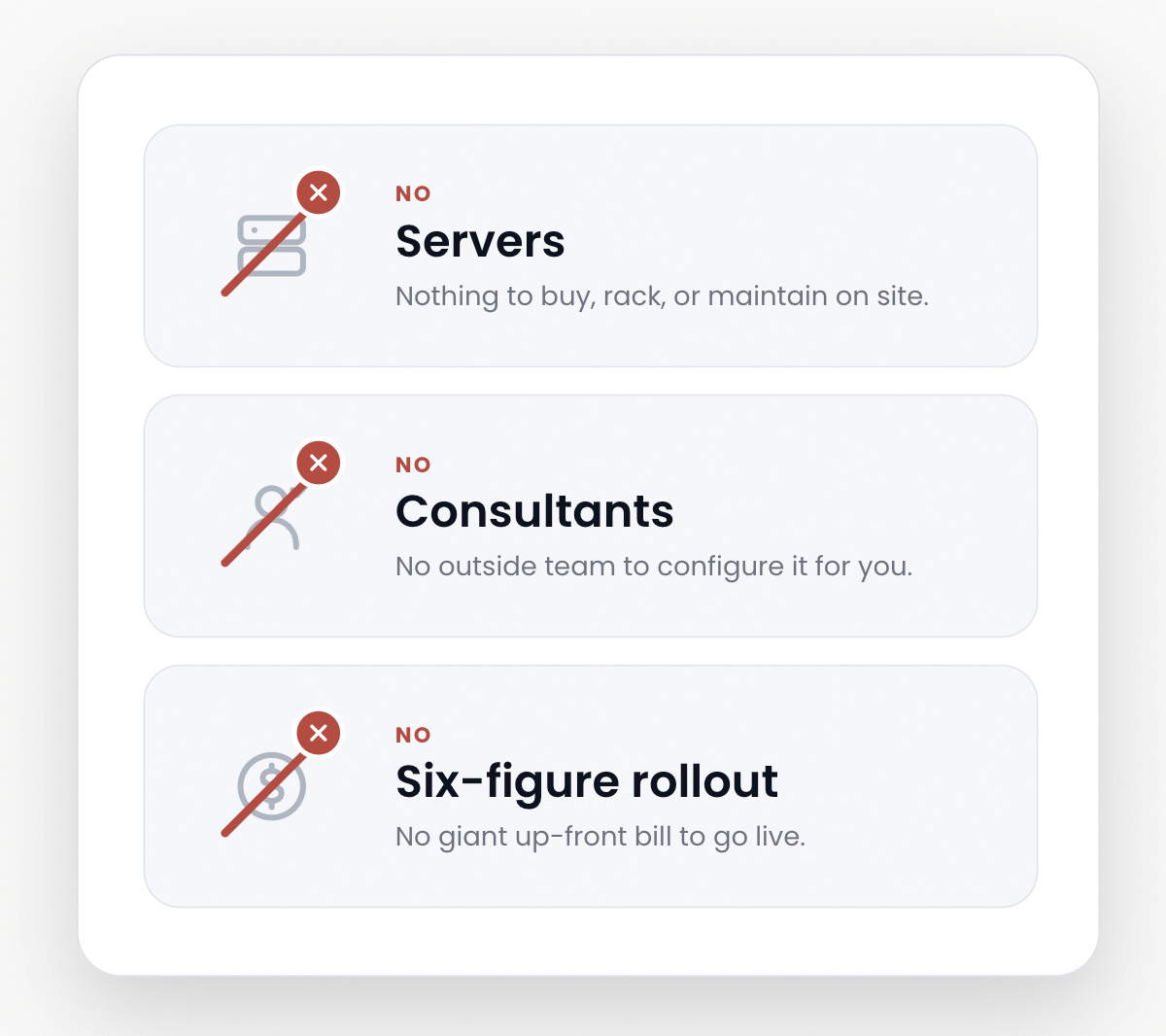
No servers. No consultants.
No six-figure rollout.

Sign up, connect Outlook, open your first matter, all before lunch. It’s simple to install connectors, and migration + training is provided directly by the LexWorkplace team.
  • Cloud-native. Works the moment you log in, Windows or Mac.

  • One-click Outlook and Microsoft 365 add-in.

  • Managed migration and onboarding by our team.

No six-figure rollout
pricing-table

Pay for what you need.
Nothing you don’t.

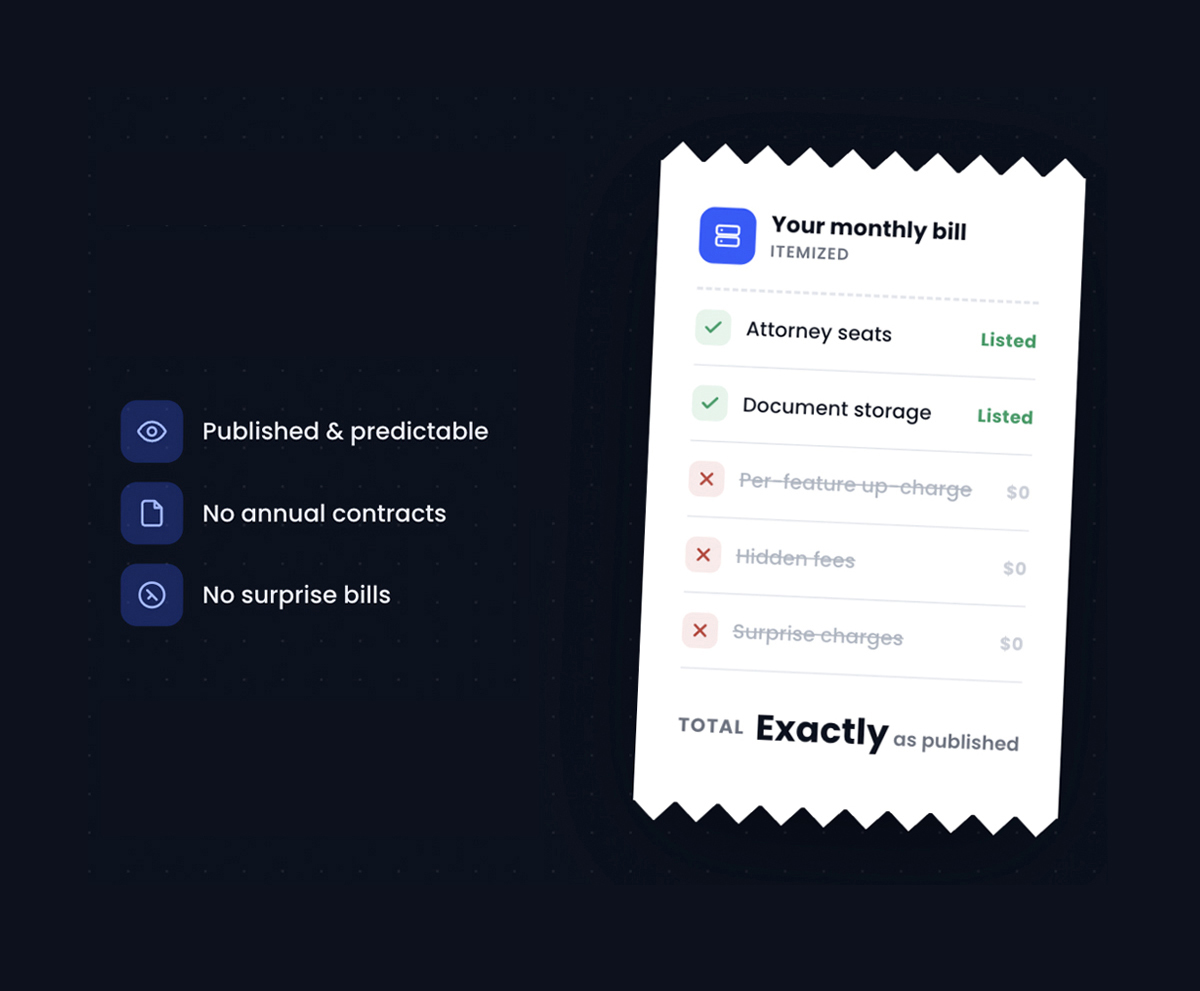
LexWorkplace pricing is published, predictable, and built for firms that want to know what they’re spending. No annual contracts, no hidden per-feature up-charges, no surprise bills.

  • Core plan: $395/month, 3 users included, 1,000 GB storage.

  • Advanced plan: $595/month, adds OCR, Litera Compare, Inline Document Compare.

  • Add users any time: $50/month (Core) or $60/month (Advanced).

  • Unlimited support included on every paid plan.

Open a matter. File a doc.
Operate like the big guys.

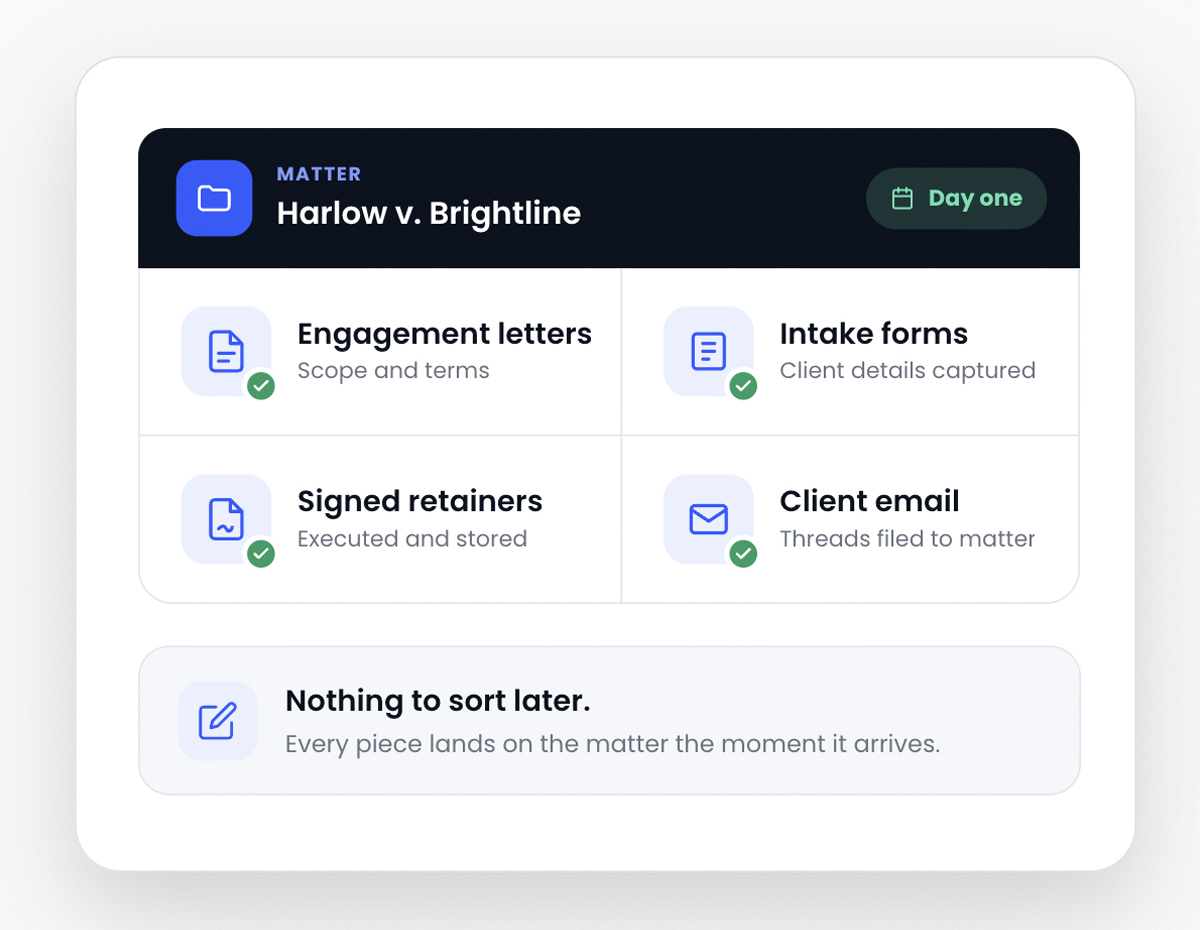
Engagement letters, intake forms, signed retainers, client email, all organized on the matter from day one.
  • Matter-centric structure that organizes documents, email, and notes the way a law firm works.

  • Auto-file client email to the right matter the moment you connect Outlook.

  • Document profiling and tagging to keep files coded by type, status, and custom categories.

  • The same structure scales from solo to twenty-five attorneys, no replatforming.

Open a matters
secure-sharing

Send a Dropbox link? Or send your client something better.

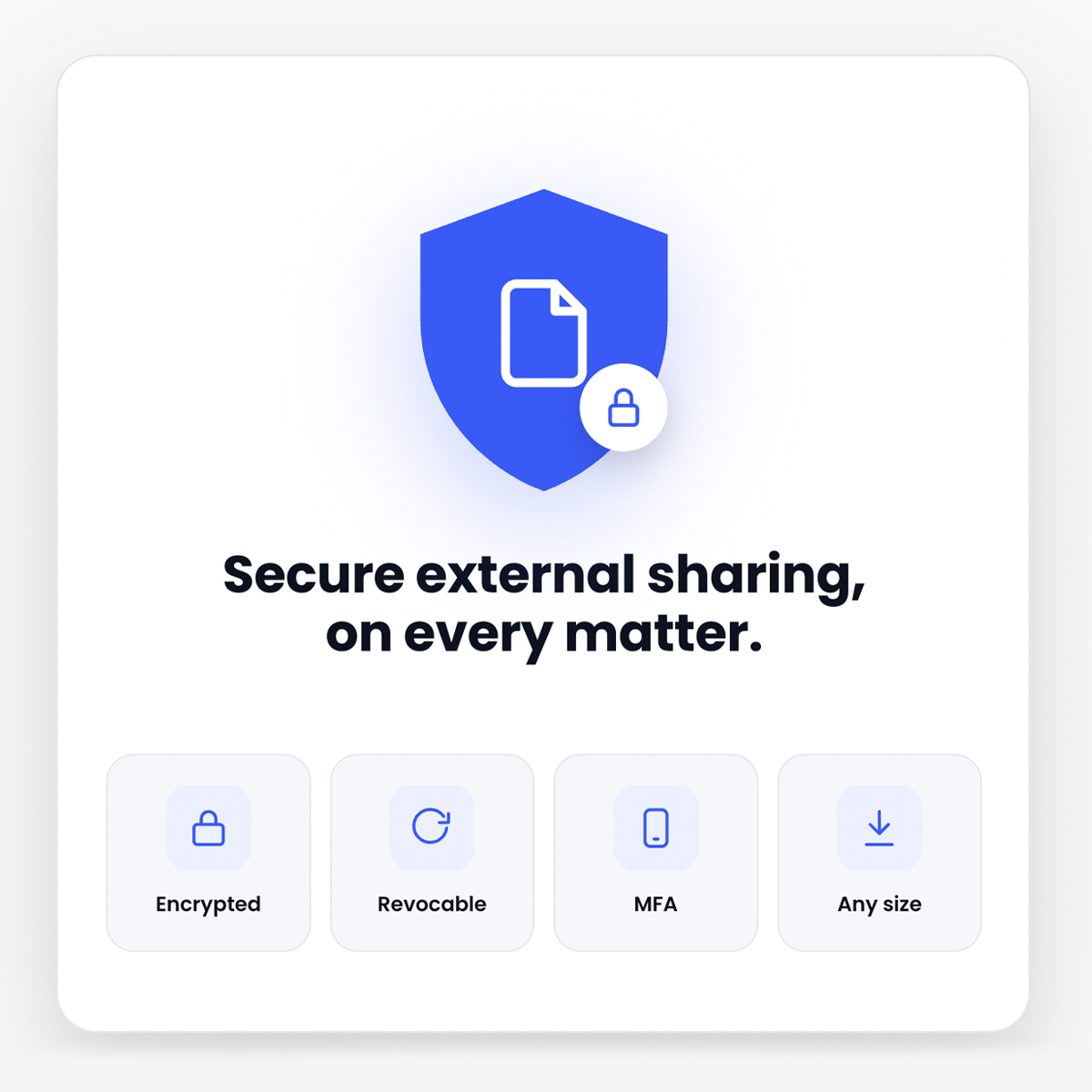
LexWorkplace lets you share documents with clients and outside parties securely, with no size restrictions, encryption on every file, and the ability to revoke access the moment a matter closes.

  • Secure external sharing built into every matter.

  • Encrypted in transit and at rest, AES 256-bit.

  • Revoke shared access any time, no follow-up email required.

  • Multi-factor authentication and permission controls on every account.

Lizzy Wolfe
Lizzy Wolfe

Sales Support Specialist

Learn if LexWorkplace is right for you.

Speak with a legal tech expert today.

Built for how law firms operate

One place for every matter.
Every email. Every document.

Automatic Email Filing (Smart-File)

Save client emails to the right matter without leaving Outlook. Smart-File learns sender-to-matter patterns and suggests the right place automatically.

Advanced Search

Find any document, email, or attachment in seconds. Full-text search reads PDFs, scanned files, Word documents, and email bodies, so nothing hides behind a filename.

Easy File Management

Documents, email, and notes organized by client and matter, the way a law firm actually thinks. No more guessing whether a file lives on the network drive, in Dropbox, or in someone’s inbox.

Security & compliance

Built for the confidentiality your practice demands.

Your client files aren’t on some startup’s laptop. Every document, every email, every search is protected to standards above what most firms have today.

  • SOC 2 Type II

Audited annually

  • AES-256 encryption

At rest and in transit

  • HIPAA compliant

BAA available

  • ABA Model Rule 1.6

Confidentiality-first

  • US-only data residency

AWS us-east-1 + us-west-2

  • 99.95% uptime SLA

Last 18 months: 99.99%

LexWorkplace Integrations

It works with the tools you already pay for.

Outlook
365
Clio-Manage
Word
Excel
Powerpoint

Hear From Our Clients

What Law Firms Like Yours Say

“I Love LexWorkplace and the ease of organizing related emails and documents.”

Robert Roseman

Robert D. Roseman, PC

See LexWorkplace In Action

Get A Free Demo

We’ll run a demo using real matters,
so you can see exactly how LexWorkplace fits your firm.