Migrate From Legacy Document Management Software2026-07-09T20:45:51+00:00

Migrate From Legacy Document Management Software

Legacy Document Management software is expensive, clunky, inaccessible and full of IT headaches.

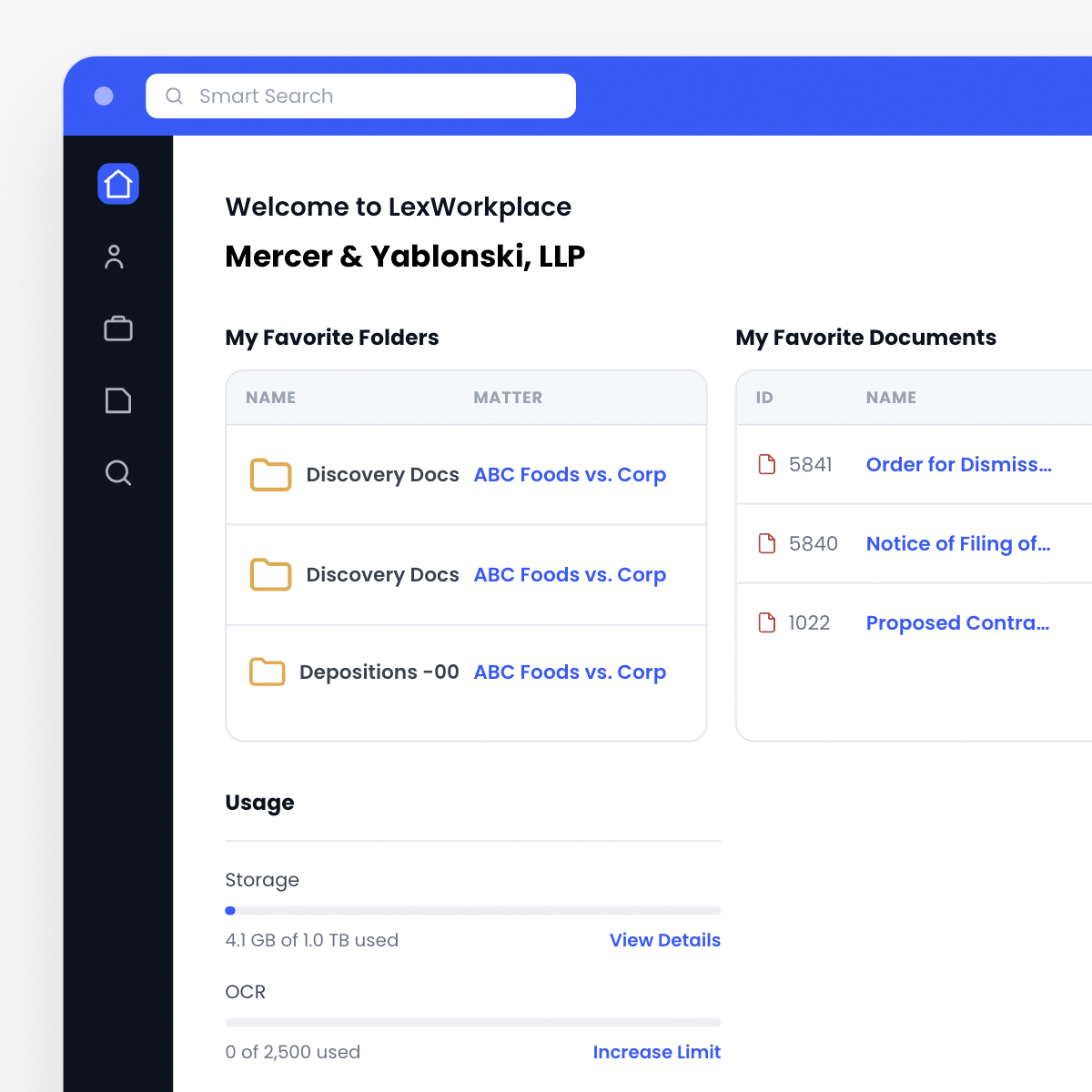
  • Smart-File From Outlook

  • Matter-Centric Organization

  • Enterprise-Grade Security

interface

+57,364,041

Documents stored in LexWorkplace

99.999%

Historical Uptime

100%

Version history retained — forever

SOC 2

Type II audited annually

The Wrong Tool for the Job

Practice management software excels at time tracking, invoicing, reporting, and calendaring. Document and email management is a separate discipline, and forcing your case management system to be an end-to-end solution is “putting a square peg through a round hole.”

Servers & IT Maintenance Required

Many legacy Document Management Systems require powerful (and therefor expensive) on-premise servers. This translates to high cost-of-entry, ongoing IT maintenance costs and being in the business of owning servers.

Needlessly Expensive

Investing in technology is important for law firms, but legacy document management systems are needlessly costly. Legacy DMS applications are expensive unto themselves, and require costly servers and outside consultants. For most law firms: It’s simply not worth it.

Limited Mobility

Being premise/server-based, legacy Document Management applications offer little in the way of mobility. You’ll be forced to implement VPN’s, LogMeIn or other, similarly clunky work-arounds to remotely access your matter documents.

Faux-Cloud

Responding to pressure from competitors and clients, many legacy document management companies offer a “cloud” option… that really isn’t. They’ll host the same old, clunky software in a remote server, charge you a monthly fee and call it “cloud.”

Confusing, Dated Interface

Most legacy Document Management applications have a dated, cluttered look. They’re confusing, unintuitive, and difficult to use and navigate; this leads to frustrated users and failed adoption.

Security Risks

With on-premise Document Management software, your data is only secure as the infrastructure it lives on. Most small and midsized law firms simply don’t have the resources to implement 24×7 security monitoring, threat prevention and cybersecurity remediation necessary to keep their data secure.

Graduate to LexWorkplace

Cloud-Based Document Management for Law Firms
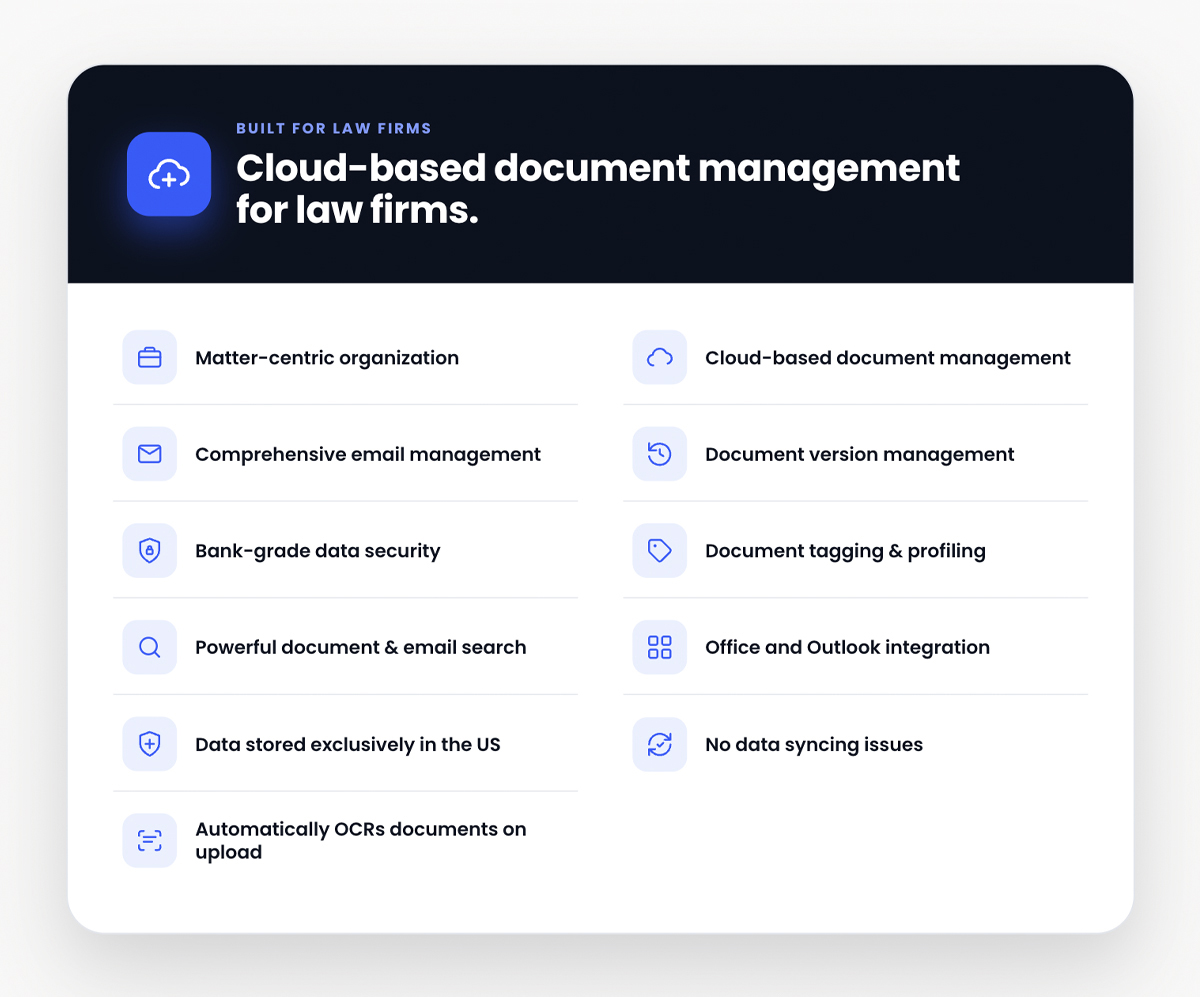
  • Matter-Centric Organization

  • Cloud-based Document Management

  • Comprehensive Email Management

  • Document Version Management

  • Bank-Grade Data Security

  • Document Tagging & Profiling

  • Powerful Document & Email Search

  • Office and Outlook integration

  • Data Stored Exclusively in the US

  • No Data Syncing Issues

  • Automatically OCR’s Documents as You Upload Them

migrate-from-features
Lizzy Wolfe
Lizzy Wolfe

Sales Support Specialist

Learn if LexWorkplace is right for you.

Speak with a legal tech expert today.

Security & compliance

Built for the confidentiality your practice demands.

Your client files aren’t on some startup’s laptop. Every document, every email, every search is protected to standards above what most firms have today.

  • SOC 2 Type II

Audited annually

  • AES-256 encryption

At rest and in transit

  • Multi-Factor Authentication

Native on every account

  • Granular Control

Confidentiality-first

  • Regional data residency

US or Canadian hosting

  • Geographic Redundancy

Backed up across regions

Frequently Asked Questions

Common questions about document management.

What does DMS stand for?2026-05-26T19:01:02+00:00

DMS stands for, Document Management Software. Document Management software such as LexWorkplace helps you manage document versions, find what you’re looking for, tag and categorize documents, organize matters and matter documents, and much more.

How is document management different from practice management software?2026-05-26T18:59:21+00:00

Document Management software stores, manages documents and email, and does so in a very robust way. Practice Management software, on the other hand, provides contact management, calendars, billing and other “front-office” functions. Practice Management software sometimes includes rudimentary file storage, but almost always lacks the robust functionality of a true Document Management System.

To learn more, read our article on Practice Management vs. Document Management software.

Hear From Our Clients

What Law Firms Like Yours Say

“I Love LexWorkplace and the ease of organizing related emails and documents.”

Robert Roseman

Robert D. Roseman, PC

See LexWorkplace In Action

Get A Free Demo

We’ll run a demo using real matters,
so you can see exactly how LexWorkplace fits your firm.